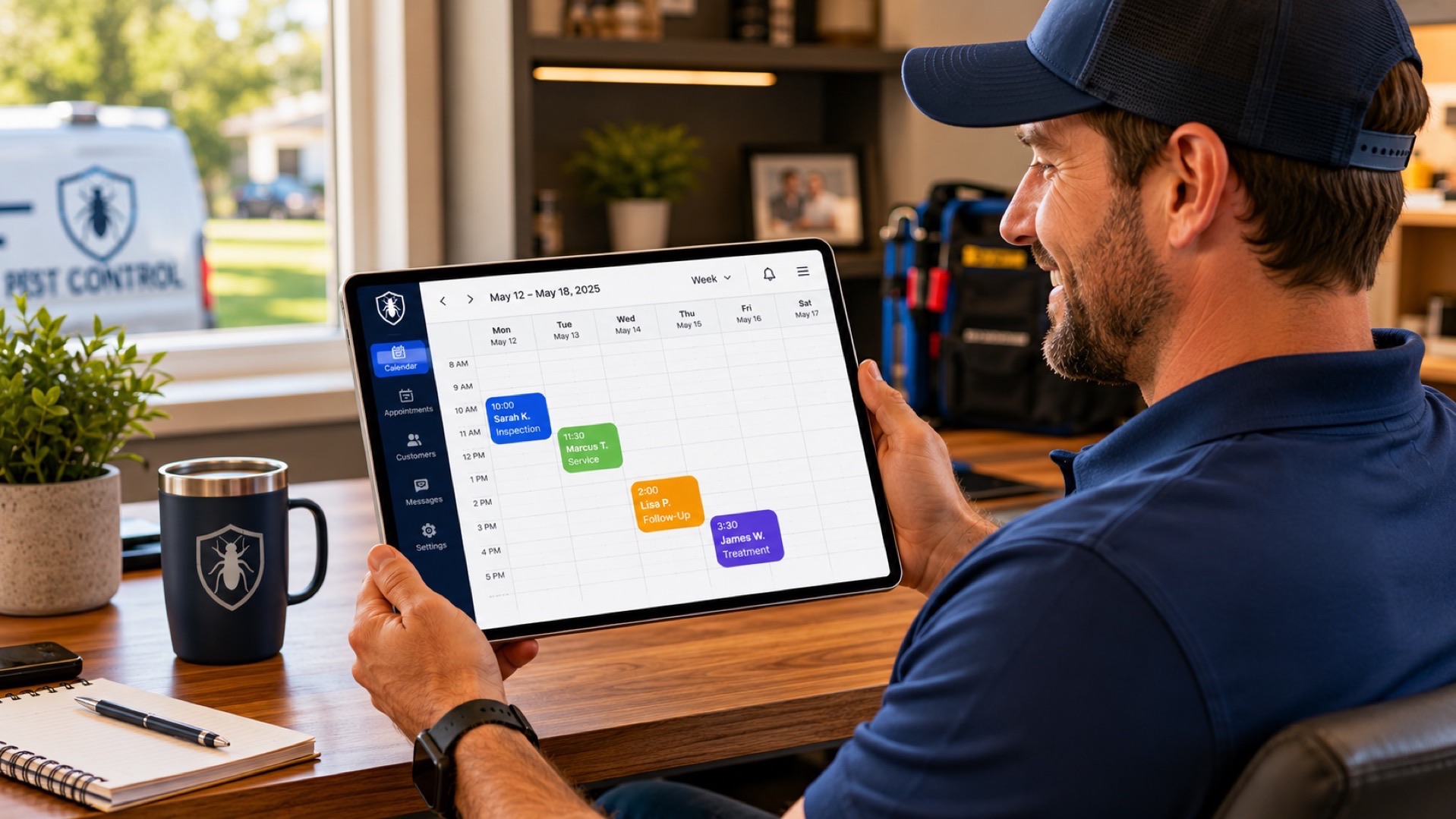
Picking the right appointment scheduling app is one of those decisions that quietly compounds. A bad pick adds 5 minutes of friction to every booking, frustrates customers who tried and gave up, and silently eats hours of your week chasing reschedules. A good pick disappears into the background and just works.
We tested and reviewed the 10 best appointment scheduling apps for small business in 2026. Real pricing, real limitations, and the right pick for the actual situation you're in: solo professional, multi-location service business, salon, healthcare practice, or sales team.
Why Appointment Scheduling Apps Matter for Small Business
Three reasons appointment scheduling software is now table stakes for small businesses:
- Customers expect to book online. Roughly 70% of customers prefer to book appointments online over calling. If you make them call, you lose a meaningful share to competitors who don't.
- Manual scheduling burns time. Booking a single appointment manually (back-and-forth on phone, double-checking the calendar, sending a confirmation) takes 5-10 minutes. A scheduling app does the same thing in 30 seconds, with no human in the loop.
- No-shows kill margins. Automated SMS and email reminders cut no-show rates by 30-50% in most studies. That alone usually pays for the app several times over.
The category has matured. Modern appointment scheduling apps handle calendar sync, payment collection, intake forms, reminders, recurring bookings, group bookings, and waitlists. The differences between options come down to fit for your business model.
Quick Comparison Table
| App | Starting Price | Free Plan? | Best For |
|---|---|---|---|
| Calendly | $10/user/mo | Yes (limited) | Most well-known choice |
| Cal.com | Free / $15/user/mo | Yes (full) | Open-source flexibility |
| Acuity Scheduling | $20/mo | No | Service businesses |
| Square Appointments | Free / $29/mo | Yes (single location) | Square ecosystem users |
| SimplyBook.me | $9.90/mo | Yes (50 bookings) | Service businesses globally |
| Setmore | $5/user/mo | Yes (4 users) | Smallest budgets |
| Doodle | $8.95/user/mo | Yes (group polls) | Group meeting polls |
| Picktime | $4/user/mo | Yes (3 users) | Smallest budgets, free tier |
| Vagaro | $30/mo + per-staff | No (30-day trial) | Salons, spas, fitness |
| HubSpot Meetings | Free | Yes | Sales teams on HubSpot |
| Zinng (alternative) | $49/mo | 7-day trial | Book by phone, not website |
What to Look For in an Appointment Scheduling App
Not every appointment scheduling app fits every small business. Before picking one, run through this checklist:
- Calendar sync. Two-way sync with Google Calendar, Outlook, iCloud, or whatever you use. Without it, you'll get double-booked. Every app on this list does this; quality of the sync varies.
- Automated reminders. SMS and email reminders cut no-shows. Confirm reminders are included on the plan you're considering — many tools gate them behind higher tiers.
- Payment collection. If you take deposits, charge cancellation fees, or sell sessions upfront, you need built-in payments or a Stripe/Square connection.
- Intake forms. Custom questions before the appointment (medical history, project details, etc.) save you time during the actual session.
- Multi-staff support. If multiple people in your business take bookings, the app needs to show each staffer's calendar separately.
- Buffer time and minimum notice rules. No 30-second-from-now bookings, no back-to-back appointments with zero gap.
- Customer self-service for rescheduling. Saves you from being a human reschedule queue.
- Branding controls. The booking page should feel like your business, not a generic widget.
- Mobile app or mobile-friendly admin. You'll manage appointments from your phone more than you think.
The 10 Best Appointment Scheduling Apps for Small Business
1. Calendly: Best Known and Easiest to Adopt
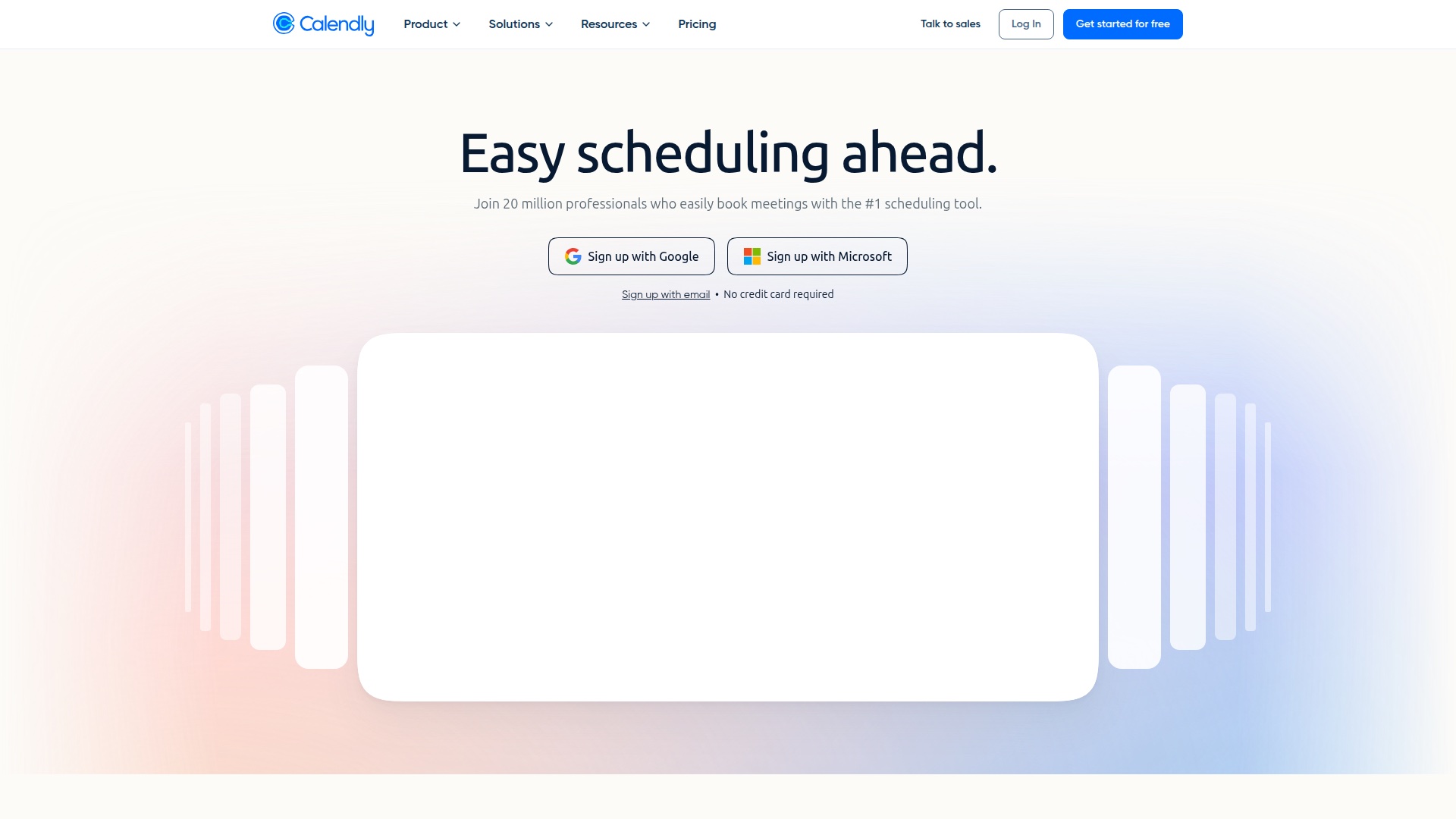
Calendly is the appointment scheduling app most people have already used. It pioneered the "share a link, let people pick a time" workflow, and that's still where it shines. If your customers already know how to use Calendly from another business, adoption friction is essentially zero.
- Best for: Sales, consultants, coaches, and anyone where the booking flow is "share a link, let them book."
- Pricing: Free plan (1 calendar, 1 event type). Standard $10/user/mo. Teams $16/user/mo. Enterprise quote-based.
- Strengths: Polished UX, massive integrations library (HubSpot, Salesforce, Zoom, Google Meet, Stripe), instant brand recognition, well-documented API.
- Drawbacks: The free plan is limited to one event type. SMS reminders cost extra. Pay-per-user pricing gets expensive for larger teams. Not built for businesses with complex scheduling (salons, healthcare).
2. Cal.com: Best Free and Open-Source Option
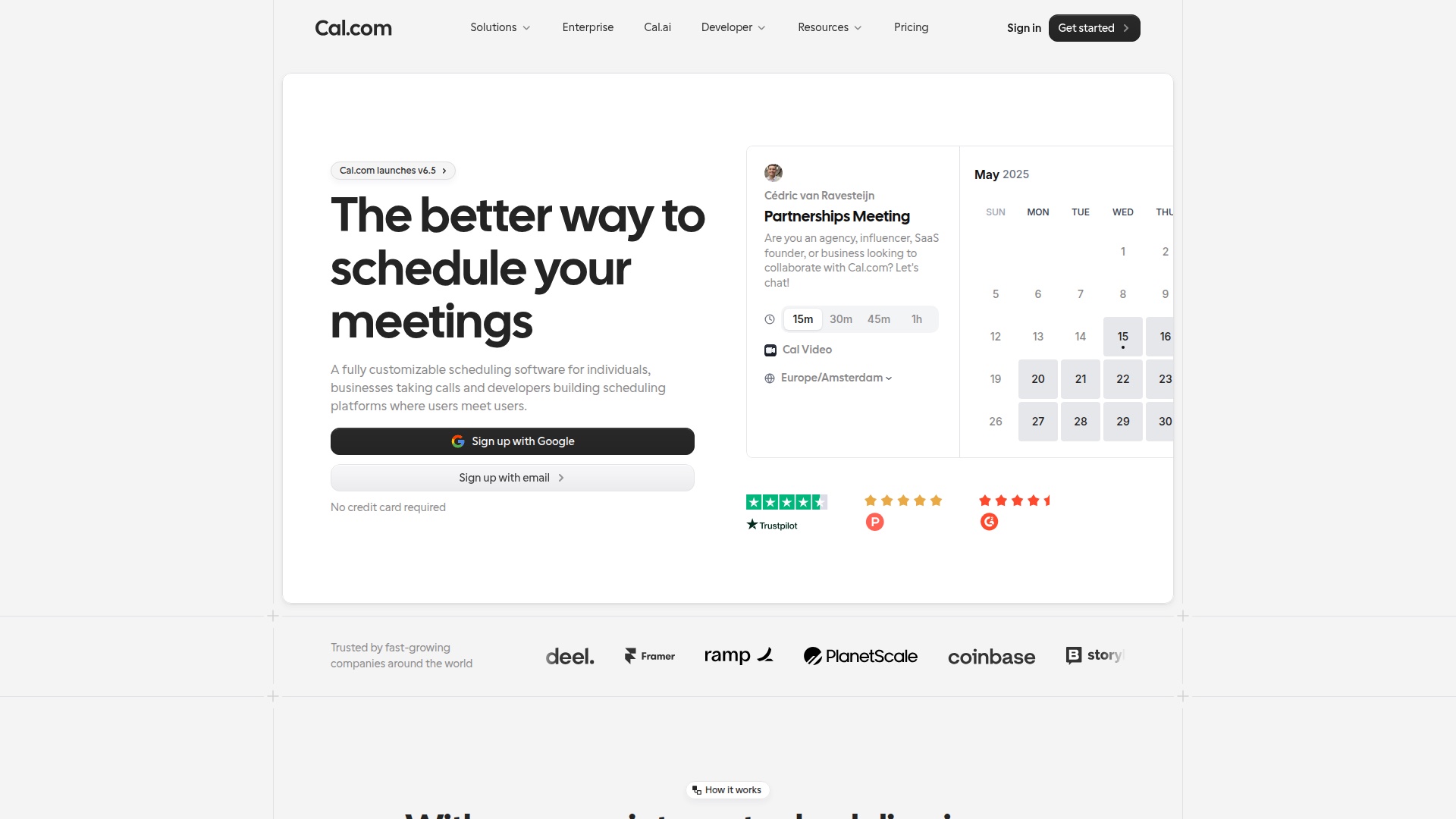
Cal.com is the open-source alternative to Calendly. The free hosted plan is genuinely usable (not just a teaser), and the paid plans are competitively priced. It's also self-hostable if you have the technical chops, which matters for businesses with data sovereignty needs.
- Best for: Solo professionals and small teams who want Calendly's UX without Calendly's prices, or who care about open-source.
- Pricing: Free plan (full feature set for individuals). Teams plan $15/user/mo. Organization $37/user/mo. Enterprise quote-based.
- Strengths: Free plan rivals Calendly's paid Standard tier on features. Self-hostable. Active development. Built-in routing forms for sales teams.
- Drawbacks: Less mature integrations ecosystem than Calendly. Some workflows still feel less polished. The brand is less known to your customers.
3. Acuity Scheduling: Best for Service Businesses
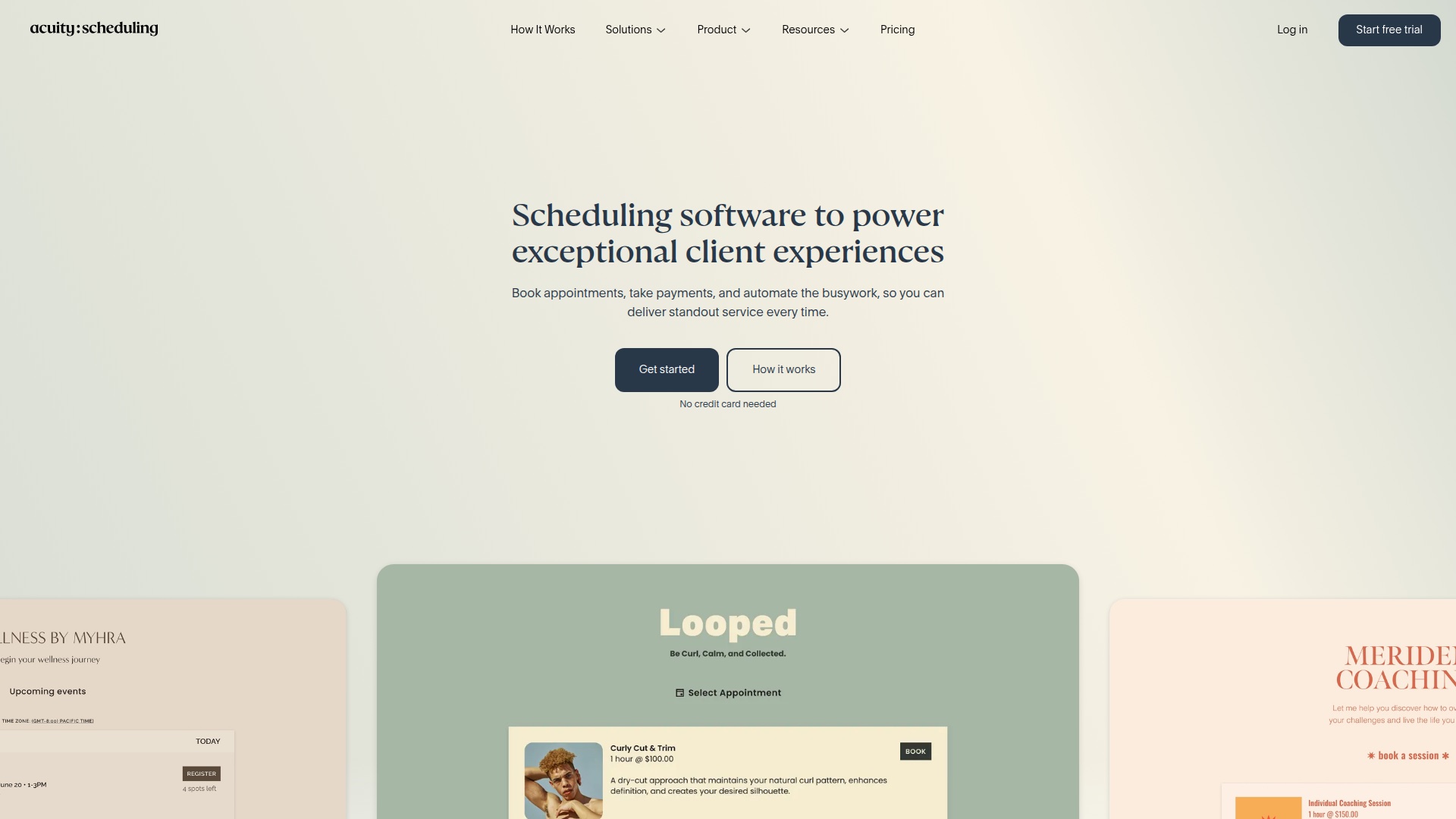
Acuity (owned by Squarespace) is built for businesses where each appointment is a service, not a meeting: trainers, massage therapists, coaches, photographers, consultants. It handles intake forms, payments, packages, and subscriptions natively in a way Calendly does not.
- Best for: Solo service providers and small service teams who sell time as the product.
- Pricing: Starter $20/mo. Standard $34/mo (the sweet spot, includes SMS). Premium $61/mo (subscriptions and gift certificates).
- Strengths: Built-in payment processing, packages and subscriptions, intake forms, automated workflows, Squarespace integration.
- Drawbacks: No free plan. The Starter tier is missing key features (SMS reminders, automated emails); most businesses end up on Standard. Less popular with B2B sales teams.
4. Square Appointments: Best for Square Ecosystem Users
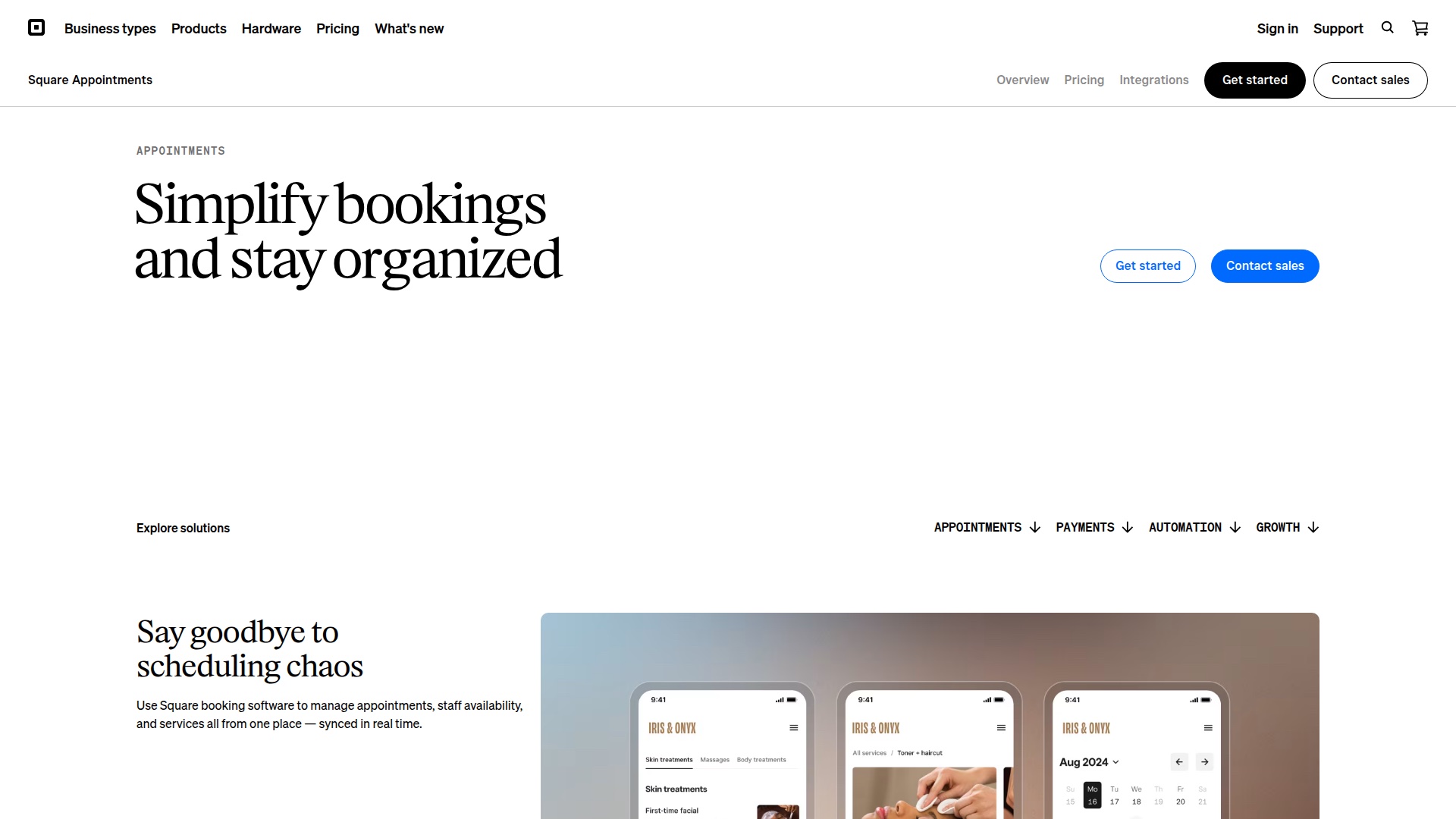
If you already process payments with Square, Square Appointments is the obvious pick. The free tier is genuinely free for single-location single-staff businesses, and integration with Square POS is seamless. For everyone else, the value proposition is weaker.
- Best for: Local service businesses already using Square for payments and POS.
- Pricing: Free (single location, single staff). Plus $29/mo (multi-staff). Premium $69/mo (multi-location, advanced reporting). All include Square's payment processing fees on top (2.6% + $0.15 in-person).
- Strengths: Genuine free tier. Native POS integration. No-extra-cost payments. Branded booking site.
- Drawbacks: Locked into Square's payment processing. Less powerful than Acuity for service businesses. Less polished than Calendly for B2B meetings.
5. SimplyBook.me: Best for Service Businesses Globally
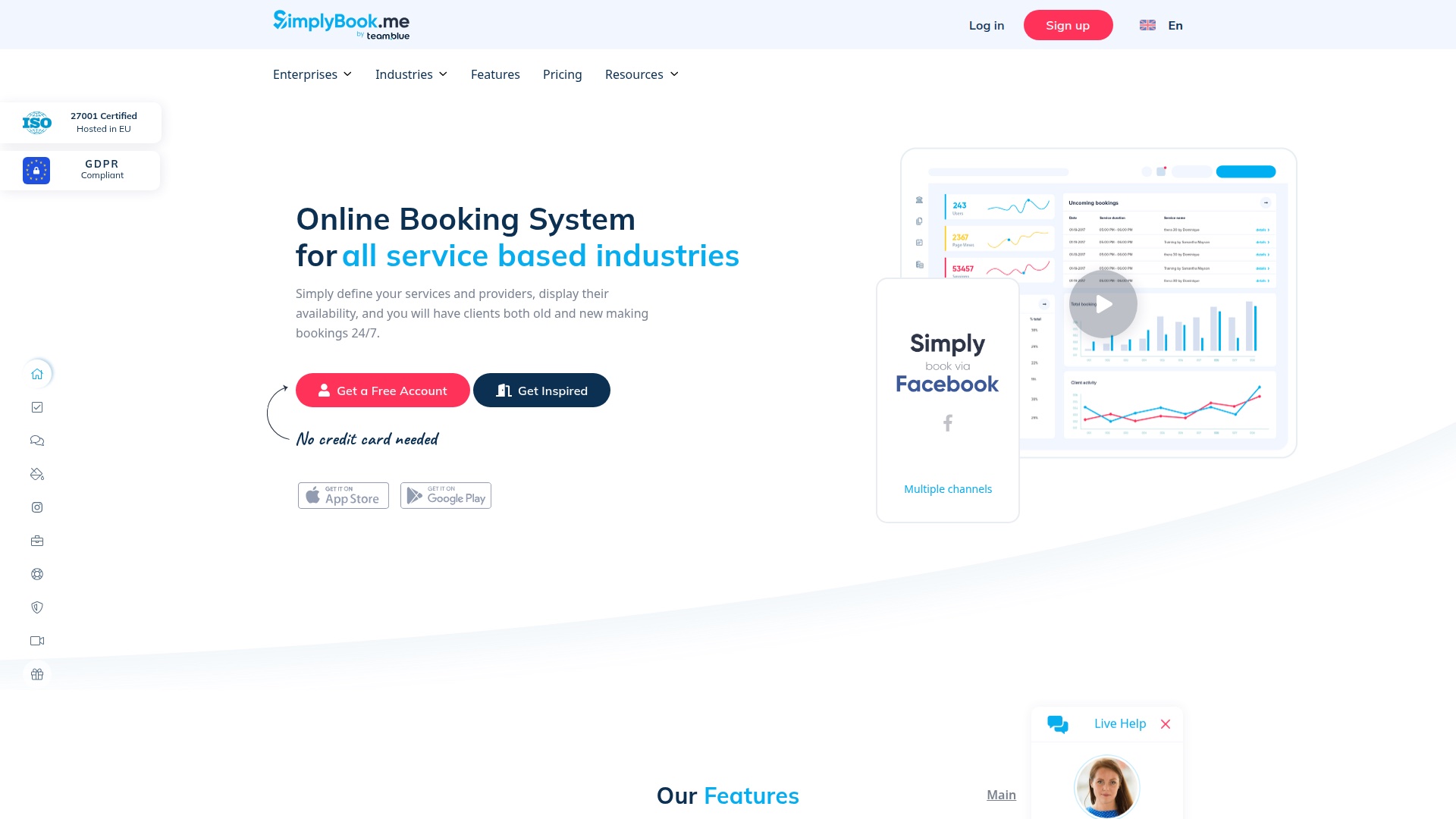
SimplyBook.me is a European-headquartered scheduling platform that's particularly strong for service businesses outside the US. It supports 30+ languages, GDPR-native, and has a per-booking pricing model that scales gradually rather than per-user.
- Best for: Service businesses outside the US, or any business that wants pricing tied to booking volume rather than seat count.
- Pricing: Free (50 bookings/month). Basic $9.90/mo (100 bookings). Standard $29.90/mo (500 bookings). Premium $59.90/mo (2,000 bookings, unlimited features).
- Strengths: Multilingual, GDPR-compliant, lots of customization, fair per-booking pricing.
- Drawbacks: Booking-count limits can sting if you have a busy month. Some users find the admin UI dated compared to Calendly. Sales support is less responsive than competitors.
6. Setmore: Best for Smallest Budgets
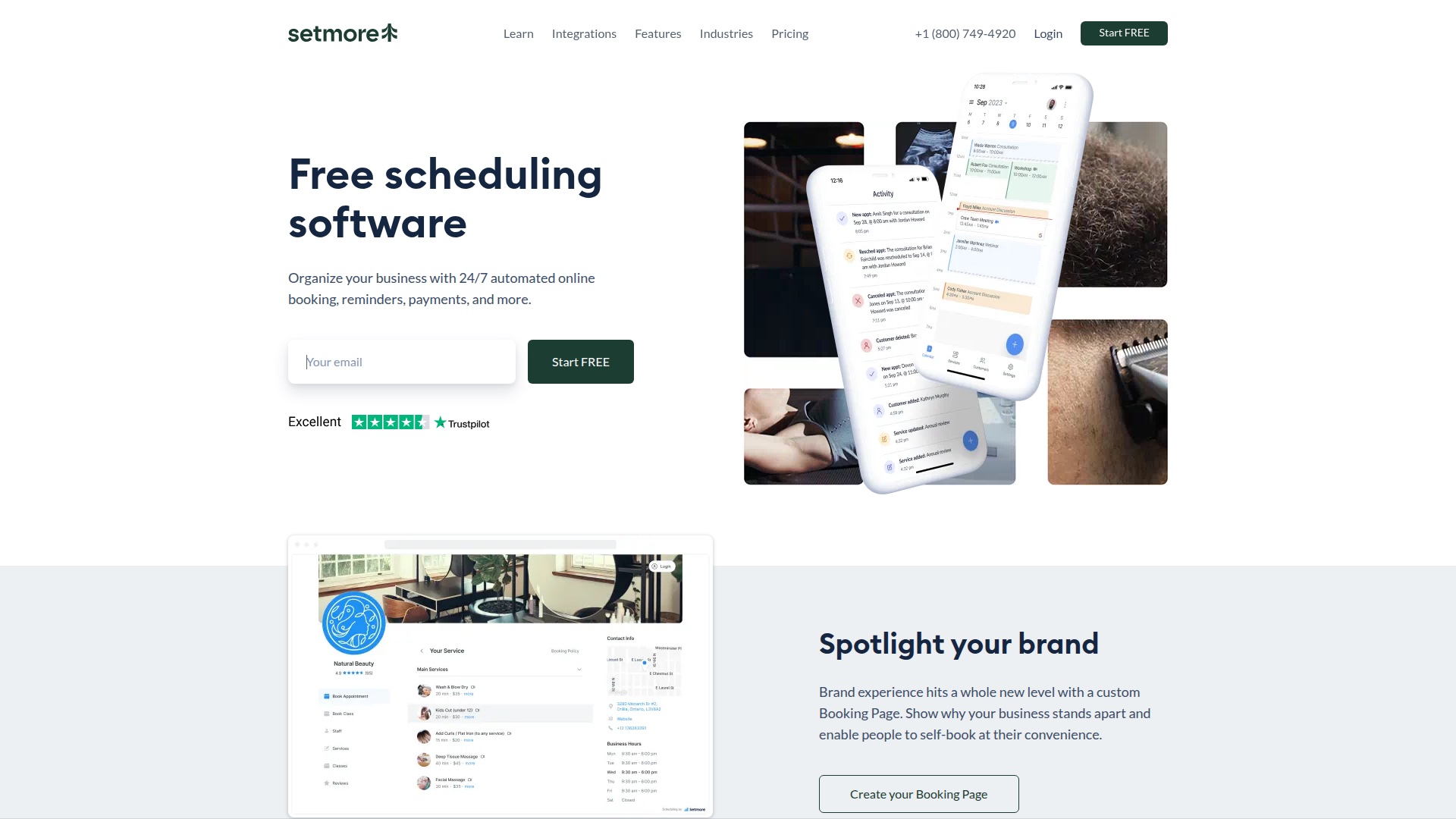
Setmore offers one of the most generous free plans in this category: up to 4 staff and 200 appointments per month, including a customizable booking page and Square payment processing. For businesses just getting started, that's hard to beat.
- Best for: Brand new small businesses on a near-zero budget.
- Pricing: Free (4 users, 200 appointments). Pro $5/user/mo. Team $5/user/mo. Pro Plus $25/user/mo.
- Strengths: Very generous free tier, low paid pricing, decent integrations, mobile apps for iOS and Android.
- Drawbacks: Less feature depth than Acuity or Calendly. Some integrations are limited to higher tiers. Free plan has Setmore branding on the booking page.
7. Doodle: Best for Group Polls and Team Meetings
Doodle pioneered the "everyone vote on which time works" model and is still the best in class for finding a meeting time across multiple people. It also has standard one-on-one booking pages now, but the group polls remain its differentiator.
- Best for: Teams scheduling internal meetings, board meetings, or any situation where 3+ people need to align calendars.
- Pricing: Free plan (1 booking page, unlimited group polls). Pro $14.95/user/mo. Teams $8.95/user/mo annual (2 user minimum). Enterprise quote-based.
- Strengths: Best group poll workflow in the category. Clean UI. Works without requiring participants to sign up.
- Drawbacks: Less powerful than Calendly for standard one-on-one booking links. Not a fit for service businesses with paying customers.
8. Picktime: Best for Lowest Paid Pricing
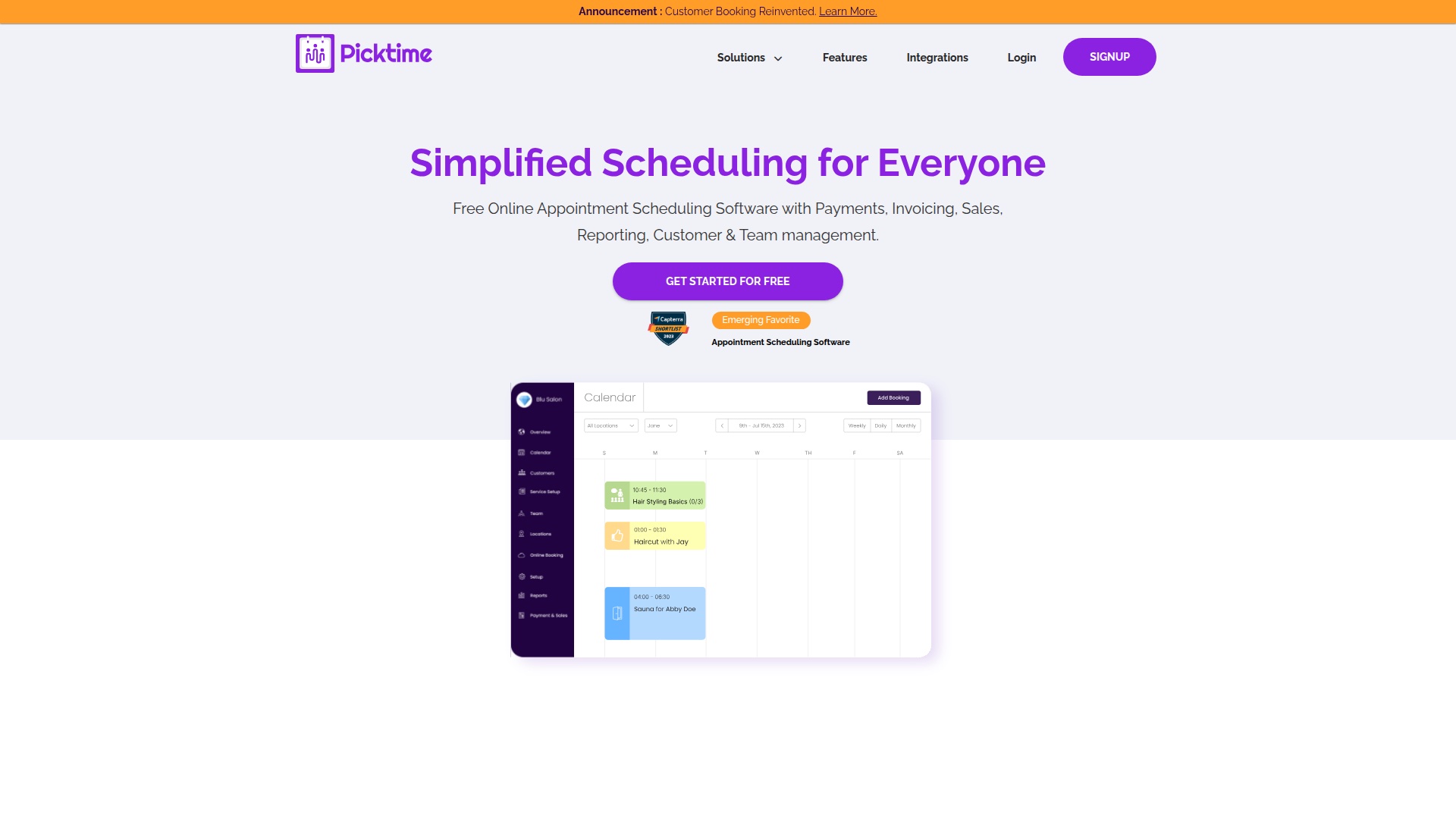
Picktime is one of the cheapest paid appointment scheduling apps that actually has the features small businesses need. The free plan supports 3 users, 3 resources, and 2 locations, which is unusually generous.
- Best for: Tiny teams (1-3 people) who need real features at near-zero cost.
- Pricing: Free (3 users, 3 resources, 2 locations). Starter $4/user/mo. Pro $3/user/mo (10 user minimum, unlimited locations).
- Strengths: Best price in the category for paid plans. Generous free tier. Multi-location support on Pro. 100+ integrations.
- Drawbacks: Less polished than Calendly or Acuity. Smaller brand. Customer support can be slow.
9. Vagaro: Best for Salons, Spas, and Fitness
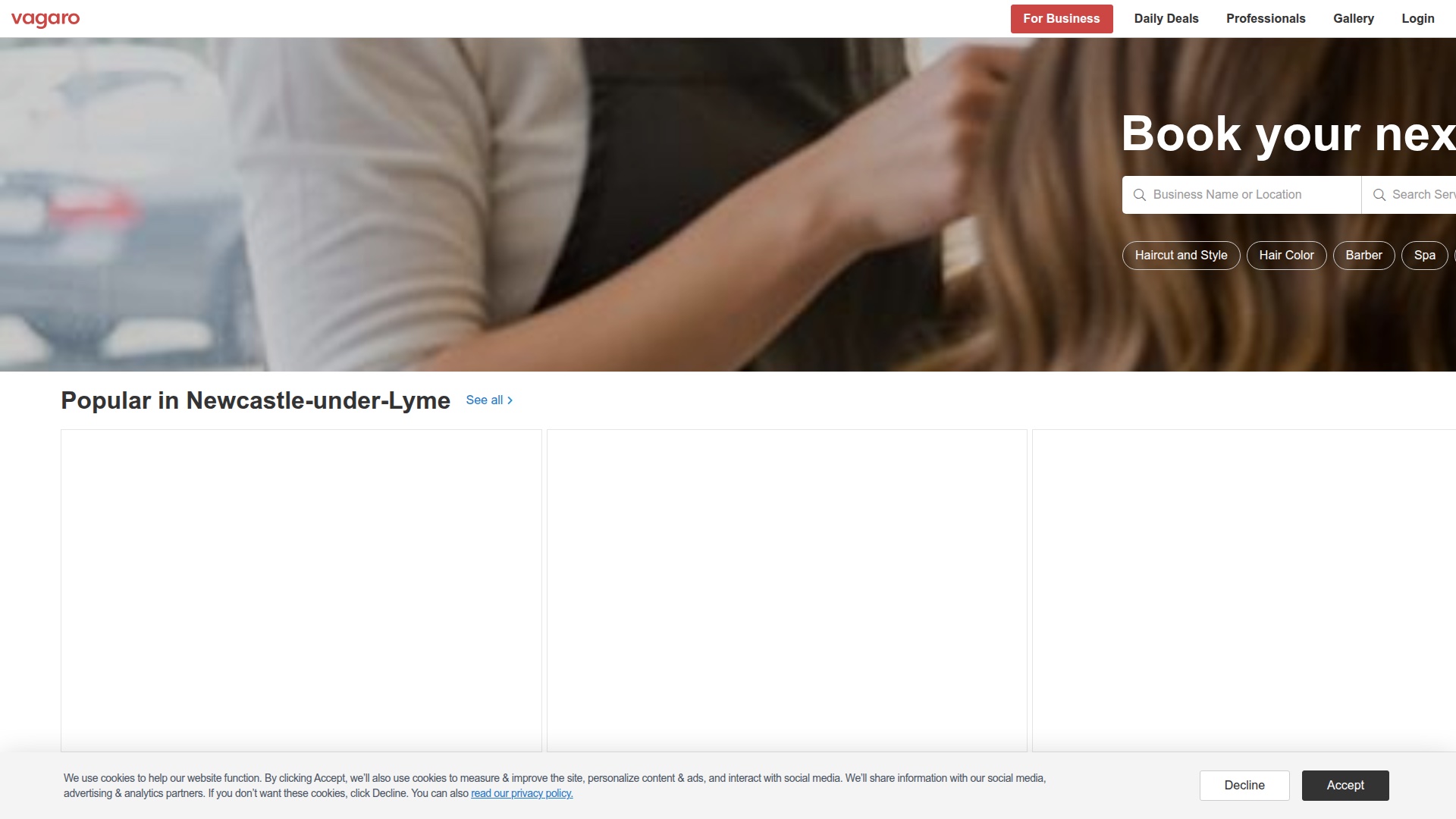
Vagaro is built specifically for salons, spas, fitness studios, and similar appointment-driven retail businesses. It bundles scheduling with POS, marketing, payroll, and a public booking marketplace where customers actively search for businesses.
- Best for: Salons, spas, barbershops, fitness studios, and similar businesses where the schedule is the operations system.
- Pricing: Starts at $30/mo for 1 bookable calendar, plus $10/mo for each additional staff member. Add-ons (marketing, payroll, online store) cost extra. Realistic cost for a 5-stylist salon: $70-$200+/mo.
- Strengths: Built for the vertical. Marketplace exposure. POS integration. Marketing tools.
- Drawbacks: Per-staff pricing adds up fast. Payment processing fees (2.75% + $0.15) on top of monthly fees. Lock-in to the Vagaro ecosystem.
10. HubSpot Meetings: Best for Sales Teams on HubSpot
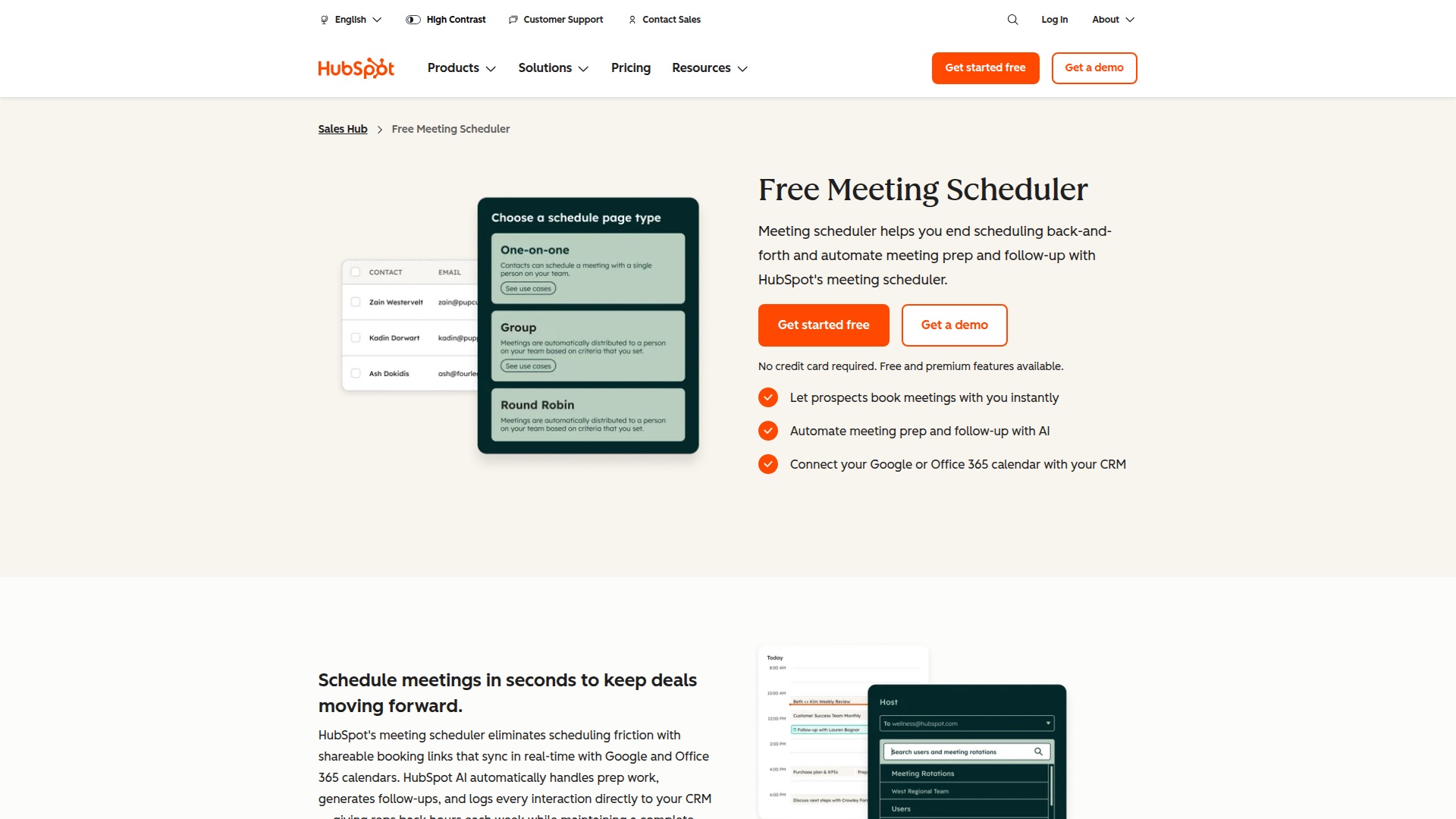
HubSpot Meetings is free with any HubSpot CRM plan (including the free CRM). It integrates natively with HubSpot contacts, deals, and pipelines, which is the entire reason to use it. If you're not on HubSpot, this isn't for you.
- Best for: Sales and customer success teams who already live in HubSpot CRM.
- Pricing: Free with HubSpot Free CRM. Premium features (round-robin assignment, custom branding) on paid HubSpot tiers.
- Strengths: Native HubSpot CRM integration. Free with the free CRM. Booking activity flows into contact and deal records automatically.
- Drawbacks: Locked into HubSpot. Less polished UX than Calendly. Limited customization on the free tier.
The Hidden Problem: Customers Who Call Instead of Click
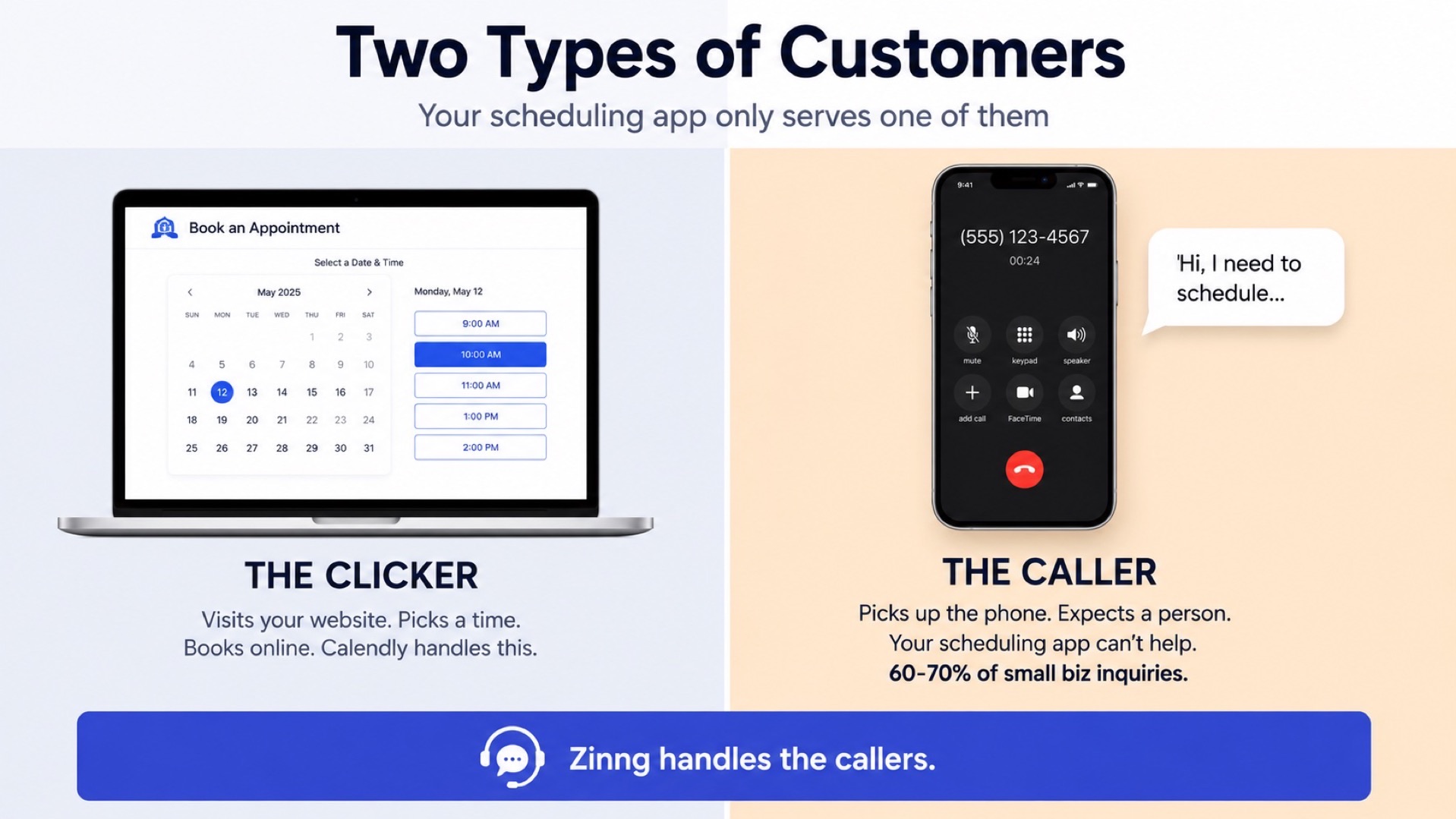
Every appointment scheduling app in this guide assumes one thing: your customers will visit a booking page. That works for sales prospects, tech-savvy clients, and businesses where the customer is already on your website ready to book.
It doesn't work for the customer who calls. The plumber's customer at 8 PM with a leaking sink. The dental patient confirming next week's appointment. The HVAC homeowner getting a quote. These people are not opening a browser tab. They're holding a phone.
Industry data is consistent: 60-70% of small business inquiries still come by phone. If your only booking workflow is "visit this link," you're capturing a fraction of demand.
The fix is an AI receptionist that answers calls, talks to the customer naturally, and books the appointment for them. Either by texting them a scheduling link mid-call (so they can pick a time at their convenience) or by booking directly on your calendar during the conversation.
Zinng does exactly this. It's not a replacement for Calendly or Acuity for online bookings. It's the pair that handles the other 60-70% of customers who picked up the phone. $49/month for 300 minutes, self-serve setup in minutes (sign up and chat with the AI to configure it), and it works with whichever scheduling app you already use.
For a deeper look at how AI receptionists compare, see our 10 best auto call answering apps roundup.
How to Choose the Right Appointment Scheduling App
Here's a decision framework based on what kind of small business you run:
- Sales, consulting, or coaching (1-on-1 calls): Calendly or Cal.com. Calendly if brand recognition matters; Cal.com if cost matters.
- Service business selling time as a product (massage, photography, tutoring): Acuity Scheduling. The package and subscription support is unmatched.
- Salon, spa, barbershop, or fitness studio: Vagaro. Built for the vertical, marketplace exposure included.
- Already using Square for payments: Square Appointments. Native integration is the killer feature.
- Sales team on HubSpot CRM: HubSpot Meetings. CRM sync is the whole point.
- Smallest budget or just starting out: Setmore (4 free staff, 200 appointments) or Picktime (3 free users, 2 locations).
- Team meetings with multiple participants: Doodle for group polls.
- Outside the US, GDPR matters: SimplyBook.me. European-built, multilingual, GDPR-native.
- Most customers call instead of clicking: Pair any scheduling app with Zinng so the calls get answered and booked too.
Frequently Asked Questions
What is the best appointment scheduling app for small business?
For most small businesses, Calendly (sales, consulting) or Acuity Scheduling (service businesses) is the right choice. Salons and spas should look at Vagaro. Businesses on a tight budget should try Setmore or Picktime's free tiers. And businesses where most customers call rather than visit a booking page should pair their scheduling app with an AI receptionist like Zinng.
Is there a truly free appointment scheduling app?
Yes. Cal.com offers a full-featured free plan for individuals. Setmore's free plan supports 4 staff and 200 appointments per month. Square Appointments is free for single-location, single-staff use. HubSpot Meetings is free with HubSpot's free CRM. Picktime's free plan supports 3 users and 2 locations.
How much does appointment scheduling software cost?
Most paid plans cost $5 to $30 per user per month. Calendly Standard is $10/user/month. Acuity Standard is $34/month flat. Vagaro starts at $30/month plus $10 per additional staff. Picktime and Setmore have paid tiers under $5/user/month. Free tiers exist for most apps.
Can an appointment scheduling app send SMS reminders?
Most can, but some lock SMS reminders behind higher-tier plans. Acuity Standard, Calendly Teams, Setmore Pro, and Vagaro all include SMS reminders. Calendly's free and Standard plans require an add-on for SMS. Always confirm SMS is included on the plan you're considering — it's the single most important feature for cutting no-shows.
What if my customers call instead of using a booking page?
This is the gap most scheduling apps don't address. The fix is an AI receptionist that answers calls and books appointments on the customer's behalf, either by texting them a scheduling link or by booking directly on your calendar. Zinng handles this for $49/month and works alongside any scheduling app on this list.
Can I use more than one appointment scheduling app at once?
Yes, but it usually creates problems. Calendars get out of sync, customers get confused, and you forget which booking page applies where. A better pattern: pick one main scheduling app, use it everywhere, and supplement it with tools that fill specific gaps (a group poll tool like Doodle, or an AI receptionist for phone bookings).
Ready to get started?
Set up your AI phone agent in minutes. Try it free for 7 days.
Try Zinng Free for 7 Days
About the Author
Timothy Bramlett
Co-Founder & CEO, Zinng
Timothy Bramlett is an American entrepreneur, software engineer, and product strategist. He is the founder of Zinng, an AI-powered phone agent platform that helps businesses never miss a customer call with intelligent call handling, real-time transcripts, and instant summaries.