Google Review QR Code Generator (Free) — Make Yours in 30 Seconds
Free Google review QR code maker and link generator. Customers scan the code, tap a star, and leave a 5-star review in seconds. No account, no watermark. Generate your QR code for Google reviews now.
Find Your Business
Search for your business name to find your Google Business Profile.
Your Google Review QR Code
Scanning this code takes customers directly to your Google review form.
How to Make Your Google Review QR Code (3 Steps)
Search for Your Business
Type your business name in the search bar above. Our review link generator uses Google's Places API to find your exact Google Business Profile listing.
Generate Your QR Code & Link
Select your business from the results. Your Google review QR code and direct review link are generated instantly. Free, no signup, no watermark.
Download and Print
Download the QR code as a PNG image. Print it on receipts, business cards, flyers, table tents, or invoices so customers can scan to leave a review.
How the Google Review Scanner Works
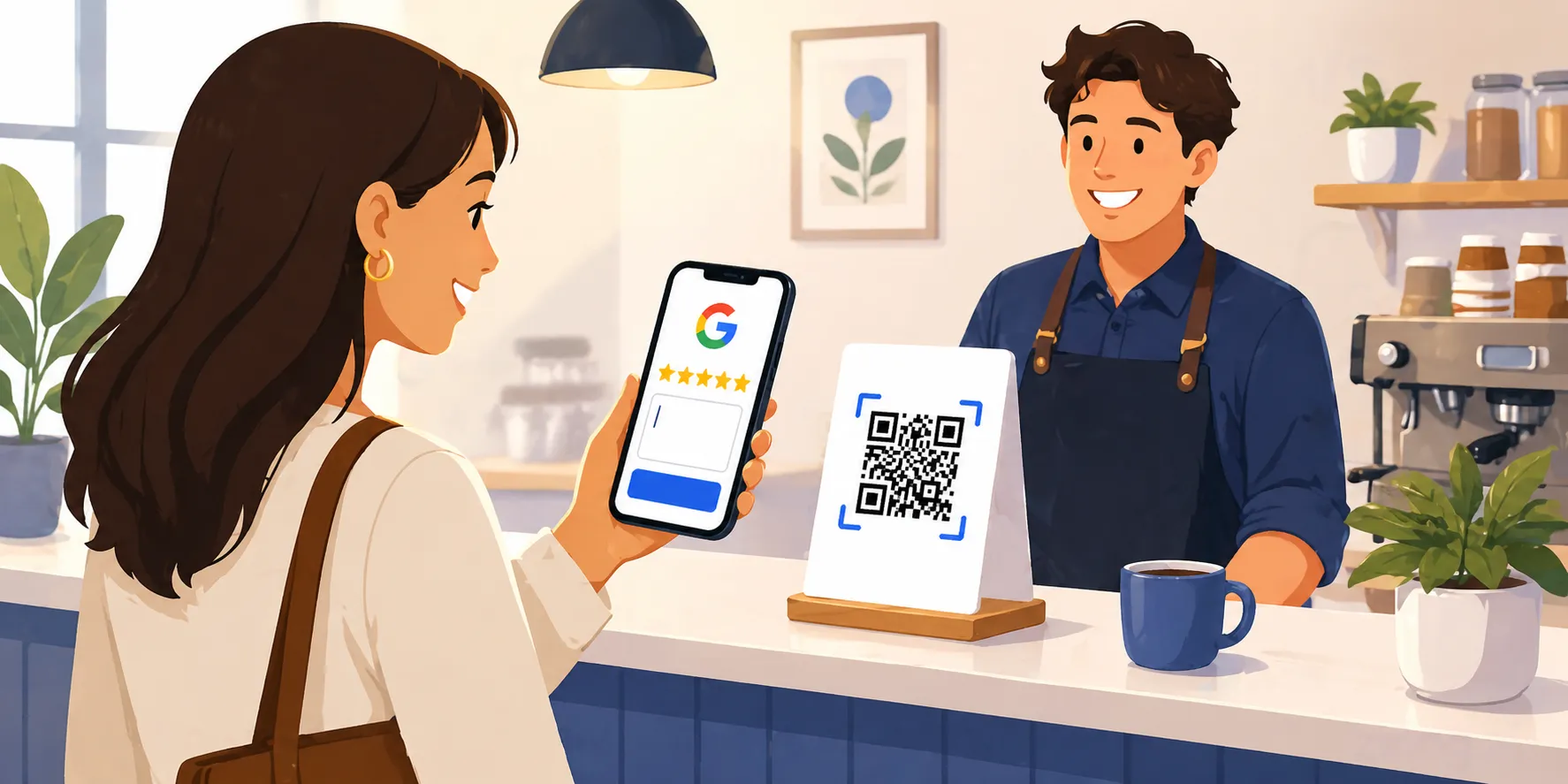
People often search for a "Google review scanner" expecting a separate app to install. You don't actually need one. The QR code is the scanner. Print it on something your customer sees right after a positive experience, they point their phone camera at it, and the phone opens your Google review form immediately. That is the entire workflow.
Behind the scenes, the QR code encodes a special Google review link that includes your business's Place ID. When the customer scans the code, their phone opens that link directly, skipping the search step that loses most reviews. They tap a star, type a sentence, and hit submit. No searching for your business, no scrolling to find the review section, no Google Maps detour.
This is the difference between a generic QR code generator and a real Google review scanner workflow: a generic generator turns whatever URL you paste into a QR code. A purpose-built Google review QR code maker (like this one) finds the right write-review URL for your specific business automatically, so you don't have to figure out Place IDs or write-review URLs yourself.
Why Your Business Needs a Google Review QR Code
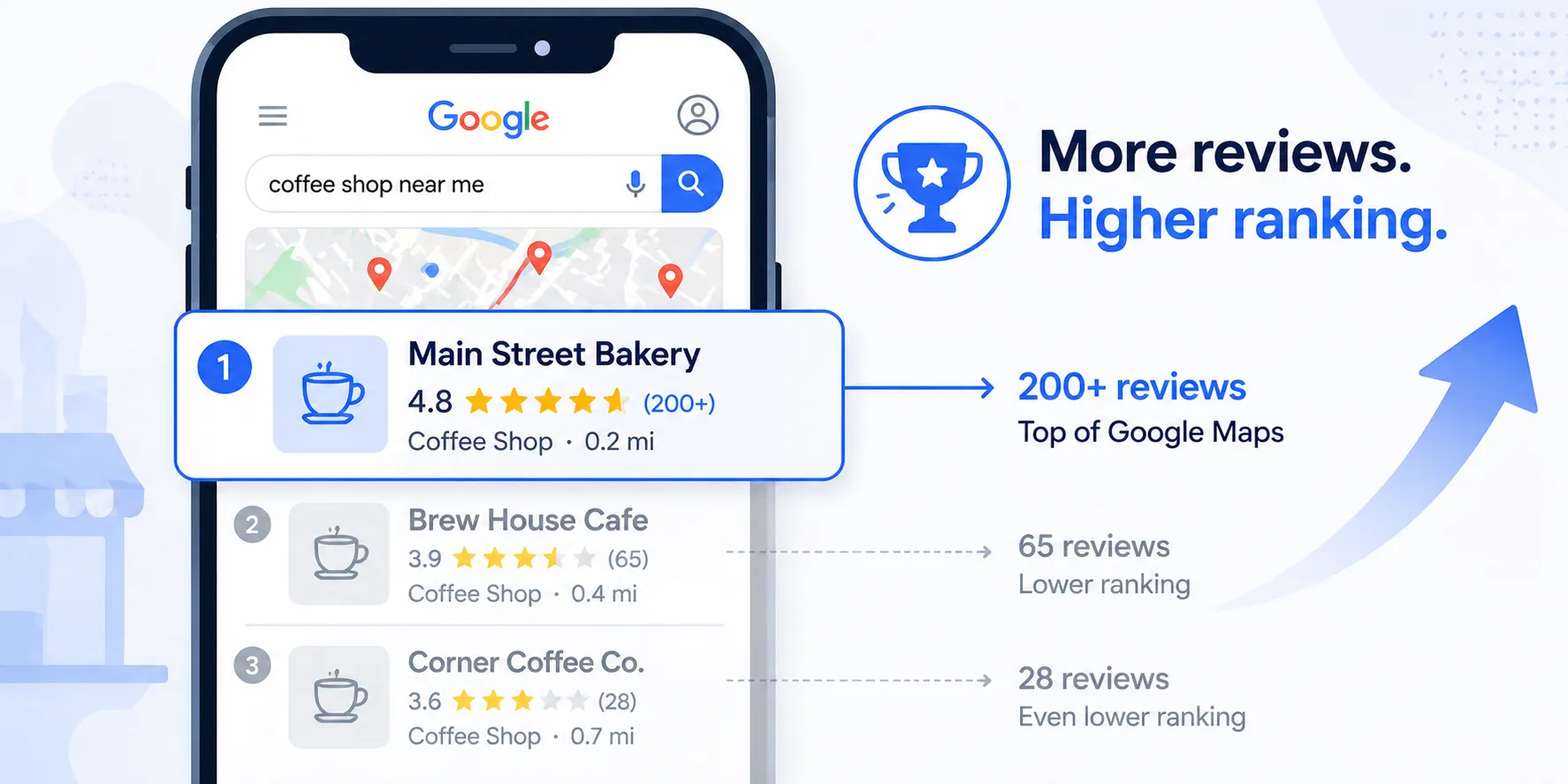
Google reviews are one of the most important factors in local search ranking. Businesses with more positive reviews appear higher in Google Maps results and in the local pack at the top of search results. For most small businesses, the difference between showing up on the first page and being buried comes down to review volume and quality.
The problem is that most satisfied customers never leave a review. Not because they had a bad experience, but because it takes too many steps. They have to open Google, search for your business, find the right listing, scroll to the review section, and then start writing. Most people give up before they get there.
A Google review QR code removes that friction entirely. When a customer scans the code with their phone camera, it opens your Google Business Profile directly to the review form. No searching, no scrolling. They tap a star rating, type a few sentences, and submit. The whole process takes under a minute.
This free QR code maker generates that code instantly. Just search for your business, select it from the results, and download the QR code image. You also get a direct Google review link you can share via email, text message, or on your website. Both the QR code and the direct review link take customers straight to the review form for your specific business. For a deeper dive on placement strategy and increasing review volume, see our full guide to getting more Google reviews with QR codes.
Where to Use Your Google Review QR Code
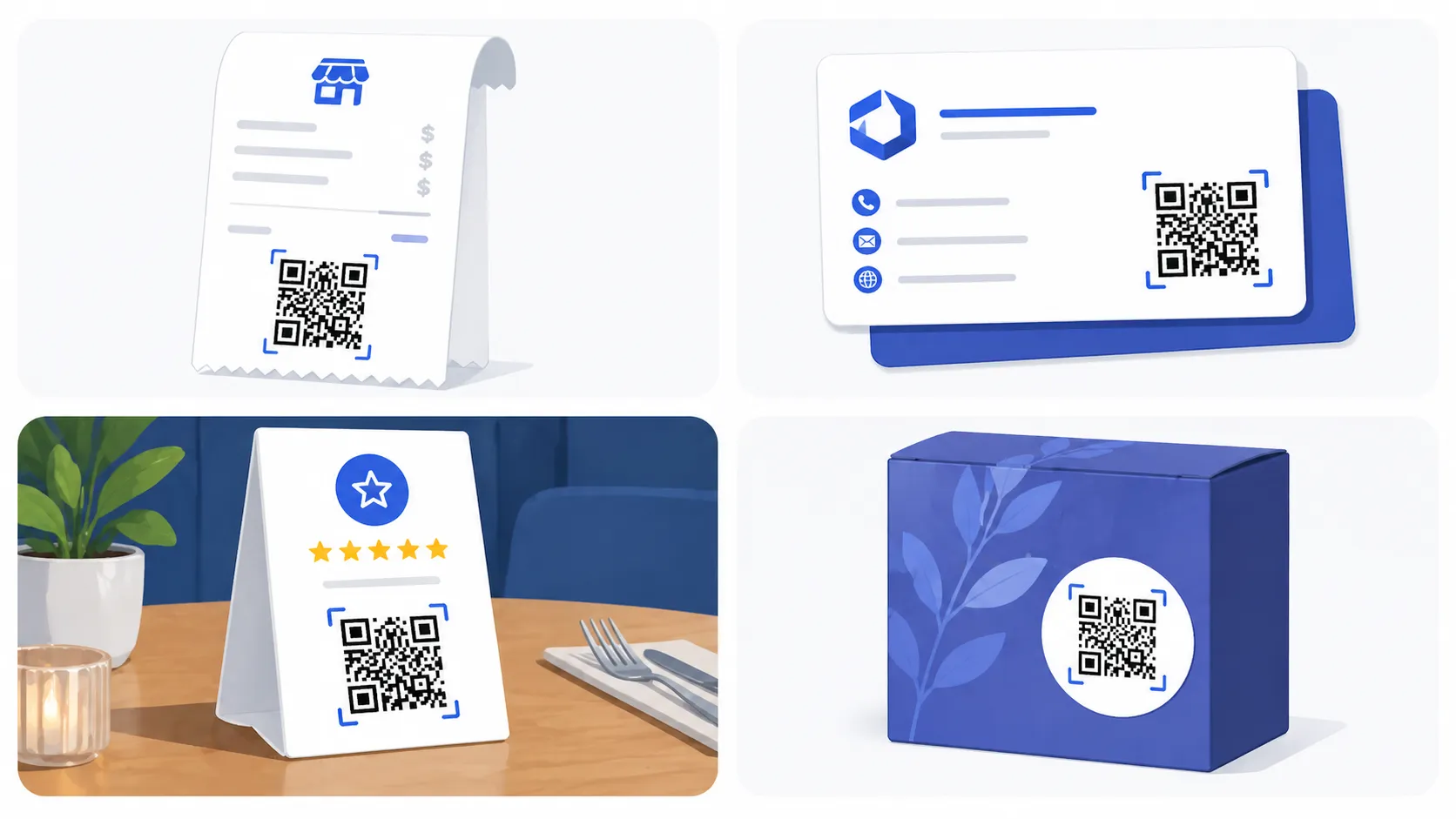
The most effective placements are anywhere a customer sees the code right after a positive experience with your business. Print it on receipts so customers see it as they leave. Add it to invoices that go out after a completed job. Put it on a table tent or countertop sign near your checkout area. Include it on business cards, packaging inserts, follow-up emails, and thank-you cards. Some businesses print it on a small sticker and attach it to the product or service documentation they hand to customers.
How Google Reviews Impact Your Business
According to Google, businesses that respond to reviews are 1.7 times more trustworthy than businesses that do not. Reviews also directly influence whether potential customers choose your business over a competitor. 93% of consumers say that online reviews affect their purchasing decisions, and the majority of those consumers specifically look at Google reviews before making a choice.
Beyond trust, reviews feed directly into Google's local search algorithm. More reviews with higher ratings signal to Google that your business is active, reputable, and relevant. This translates into higher placement in local search results, which means more visibility, more clicks, and more customers walking through your door. If local SEO is something you're actively trying to improve, our free SEO audit tool will surface other on-page issues holding your rankings back.
Who Uses a Google Review QR Code
Every local business with a Google Business Profile benefits, but a few industries see outsized impact.
Field Service Businesses
HVAC, plumbing, electrical, landscaping, pest control, and roofing companies print the QR code on the bottom of the printed invoice or on a "thanks for your business" leave-behind card. The customer scans it on the doorstep while the job is fresh, which is when 5-star reviews convert best.
Restaurants & Cafés
Table tents and check holders are the highest-converting placements. A QR code at the end of the meal earns reviews from happy customers who would never go home and search for the restaurant on Google.
Salons, Spas & Barbershops
A countertop sign at checkout with the QR code asks for the review the moment the stylist hands the customer the mirror. The conversion rate on these placements is higher than any digital channel.
Dentists, Chiropractors & Healthcare
A small printed card handed out at checkout (or on the way to the X-ray room) turns satisfied patients into reviewers. Patient acquisition cost is so high that even one extra review per week pays for itself many times over.
Contractors & Home Services
Add the QR code to the final walk-through document, the change-order packet, or a sticker on the job binder. Reviews from major projects are some of the most persuasive social proof a contractor can earn.
Auto Repair Shops
Print the QR code on the keys-ready notification text or on a card clipped to the keychain at pickup. The review goes in the moment they drive off and notice the rattle is gone.
Related Free Tools & Guides
How to Get More Google Reviews: 15 Tactics
The full prioritized playbook: SMS automation, response strategy, review velocity, and a 90-day plan.
How to Respond to Negative Google Reviews
5-step framework, 10 copy-paste templates by review type, and what NOT to write.
How to Remove a Fake Google Review
What Google will and won't remove, the 4 paths to pursue, and what to do when removal isn't possible.
20 Google Review Request Templates
SMS, email, and in-person scripts that actually convert. By channel, timing, and industry.
The Full Guide to Google Review QR Codes
Placement strategy, common mistakes, and how to triple your monthly review count.
Free AI SEO Audit
Paste any URL and get an instant report on what's holding your search rankings back.
Missed Call Revenue Calculator
See how much revenue your business loses from unanswered phone calls every month.
After-Hours Lost Revenue Calculator
Calculate what you leave on the table every time your business is closed.
Tips for Getting More Google Reviews
Ask at the right moment
The best time to ask is right after a positive interaction, when the customer is happiest with your service.
Make it effortless
A QR code eliminates the friction of searching for your business. One scan and they are ready to write.
Place it where customers see it
Print the QR code on receipts, business cards, table tents, invoices, and exit signage.
Respond to every review
Responding shows you value feedback and encourages more customers to leave their own reviews.
Stop losing calls. Start with Zinng.
Set up your AI phone agent in minutes. No credit card required.
Try Zinng FreeFrequently Asked Questions
Common questions about missed calls and their impact on your business.