You don't need an app to auto-answer calls on most phones. iPhone, Samsung Galaxy and Apple Watch all have it built in, and Google Pixel needs a free app.
But auto-answer only picks up the call. If you want something that actually talks to your callers while you're busy, that's a different kind of app, and we cover both below.
The quick answer
| Device | Built-in auto-answer? | Where to find it |
|---|---|---|
| iPhone | Yes | Settings > Accessibility > Touch > Call Audio Routing > Auto-Answer Calls |
| Samsung Galaxy | Yes | Settings > Accessibility > Interaction Controls or Call Assistance > Auto-Answer Calls (names vary by model) |
| Google Pixel | No | Use an app from Google Play, such as MotoAnswer |
| Apple Watch | Yes | Listed by Apple as an accessibility feature; look under Settings > Accessibility |
How to auto-answer calls on iPhone
Apple built auto-answer into iOS as an accessibility feature, so there's nothing to download. Here are Apple's steps:
- Go to Settings > Accessibility > Touch > Call Audio Routing, then choose where call audio should go (speaker, headset or automatic).
- Tap Auto-Answer Calls, turn it on, then set how many seconds your iPhone waits before answering using the minus and plus buttons.
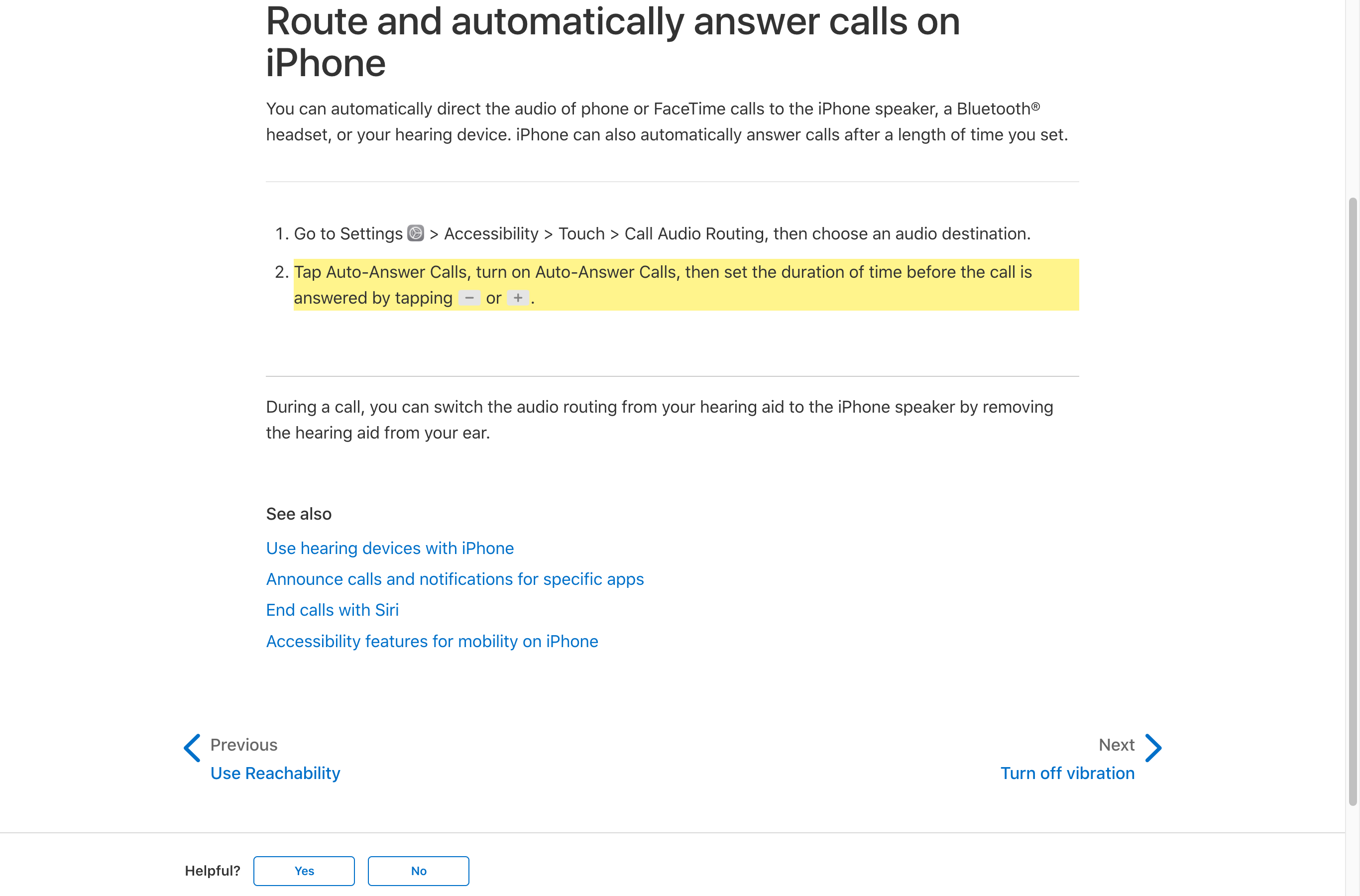
Pair it with Call Audio Routing set to Speaker or Bluetooth Headset if you want the call to come through hands-free, for example while driving.
How to auto-answer calls on Samsung Galaxy
Samsung Galaxy phones have auto-answer built in too. Samsung's own steps:
- Open Settings.
- Go to Accessibility (on some models it sits under Advanced Features).
- Tap Interaction Controls or Call Assistance, depending on your model.
- Turn on Auto-Answer Calls and pick the delay, such as 3 or 5 seconds.
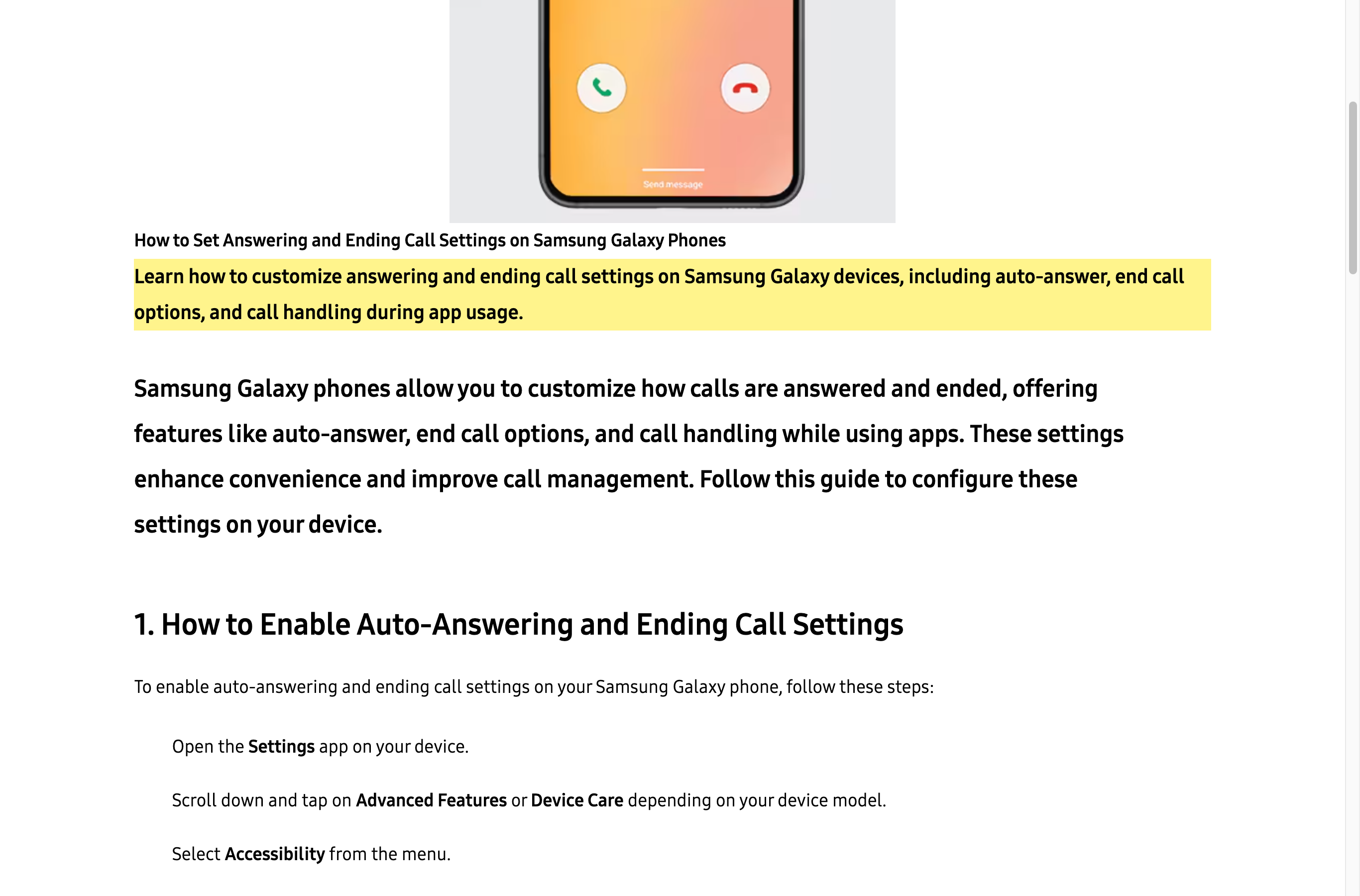
Samsung notes that menu names vary by model, software version and carrier. If you can't find it, search "auto answer" in the Settings search bar.
How to auto-answer calls on Google Pixel and other Androids
Google Pixel phones don't have a built-in auto-answer setting. When a Pixel 7 Pro owner asked about it in Google's own help forum, more than 100 people clicked "I have the same question," and a Google Product Expert confirmed it isn't built in.
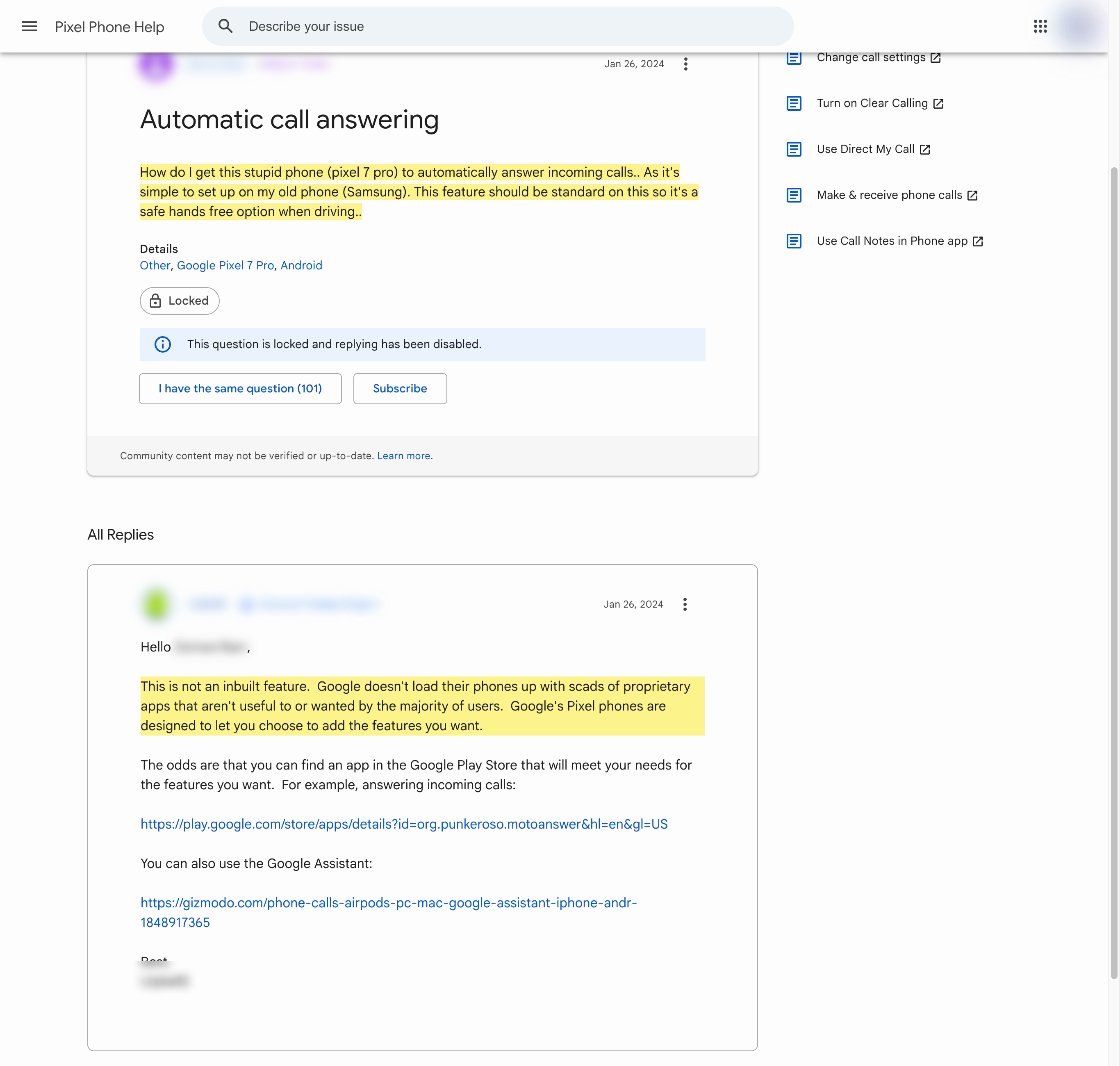
Pixel's Call Screen is a different feature: Google Assistant answers and asks the caller why they're calling, then shows you a live transcript. That's screening, not auto-answer.
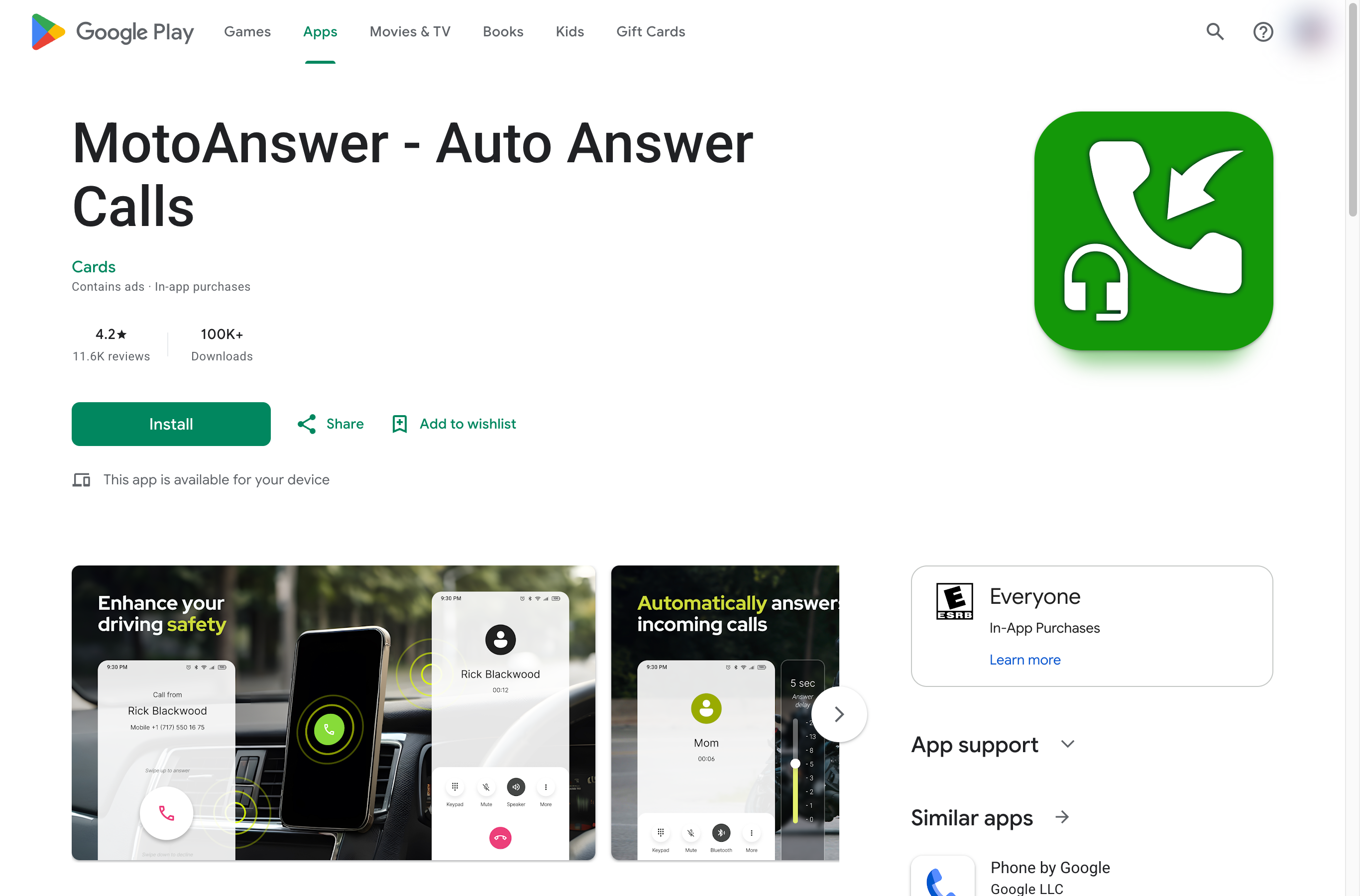
To auto-answer on a Pixel or any Android without the setting, use an app. These were the top-rated options on Google Play when we checked:
| App | Rating | Downloads | Last updated |
|---|---|---|---|
| MotoAnswer | 4.2 (11.6K reviews) | 100K+ | July 2024 |
| QuickPick | 4.1 | 10K+ | May 2026 |
| Auto Answer Call: Raise to Ear | 3.5 (298 reviews) | 100K+ | October 2024 |
Can Apple Watch auto-answer calls?
Yes. Apple lists Auto-Answer Calls among the accessibility features on its Apple Watch Series 11 and Ultra spec pages.
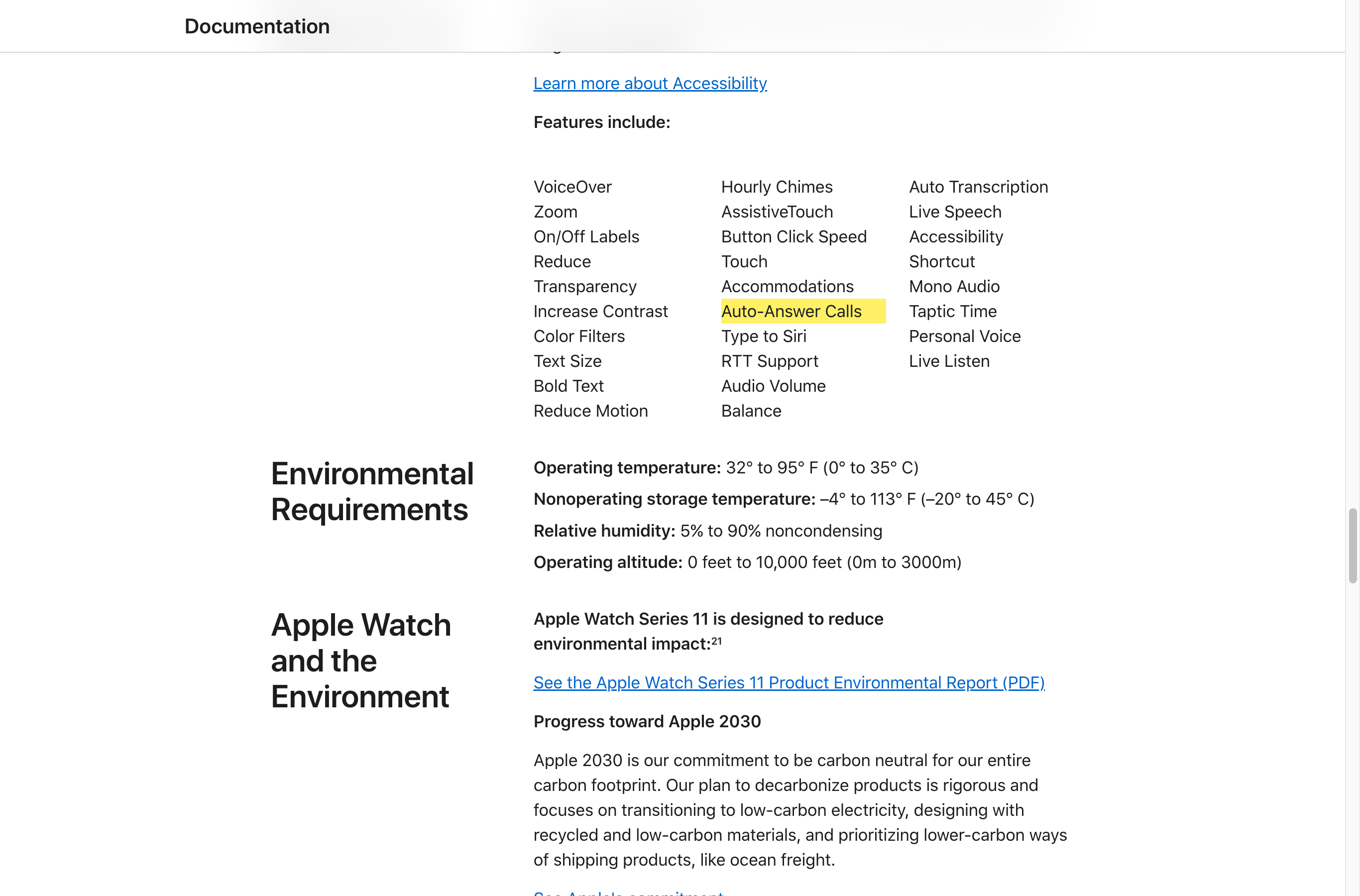
Apple doesn't publish a step-by-step guide for it. On the watch, look under Settings > Accessibility for Auto-Answer Calls.
Auto-answer isn't an answering service
Auto-answer connects the call so you can talk without touching the phone. If you're under a sink, in surgery or on a roof, the caller just hears silence or background noise.
For a business, the call you can't take is the one that matters. That's what AI answering apps are for: they answer, talk to the caller, and send you the details.
| Built-in auto-answer | AI answering app | |
|---|---|---|
| Picks up the call | Yes | Yes |
| Talks to the caller | No, you do | Yes, 24/7 |
| Takes a message or books an appointment | No | Yes |
| Handles two calls at once | No | Usually |
| Cost | Free | Free plans exist; most are $25 to $150 a month |
| Best for | Hands-free calls while driving or with a headset | Business calls you can't take |
AI answering apps that actually talk to callers
These AI receptionists answer your business calls, hold a real conversation, and text or email you a summary. Every price below comes from each company's own pricing page and updates when they change it.
1. Zinng (our product)
Zinng answers every call on the first ring, 24/7, books appointments, and transfers callers to you when they need a person. It works with the cell number you already have through call forwarding.
Plans start at $49 a month for 300 minutes, with a 7-day free trial and no contract. It's ours, so weigh that, and compare it with the others below.
Upfirst
Best for every feature on every plan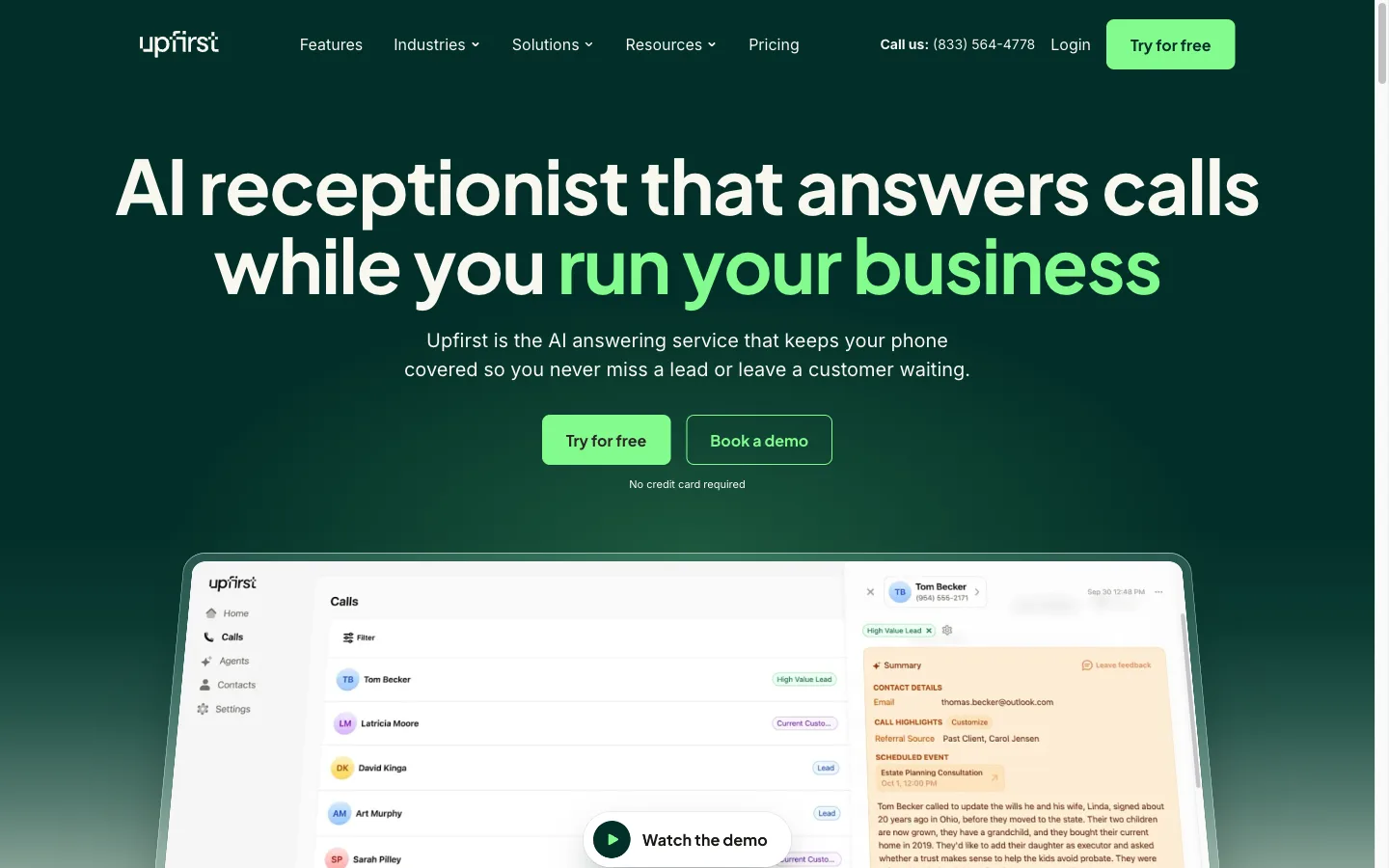
Per-call AI receptionist with transfers, live booking, texting and 35+ languages on every plan, plus a free onboarding call.
"What I like best about Upfirst is their customer support and their willingness to keep improving the platform."
"It's not as personal as having a live receptionist, but it does what we need for now"
Checked October 2, 2026 on upfirst.ai. Prices change; confirm before you buy.
Phonely
Best free plan to try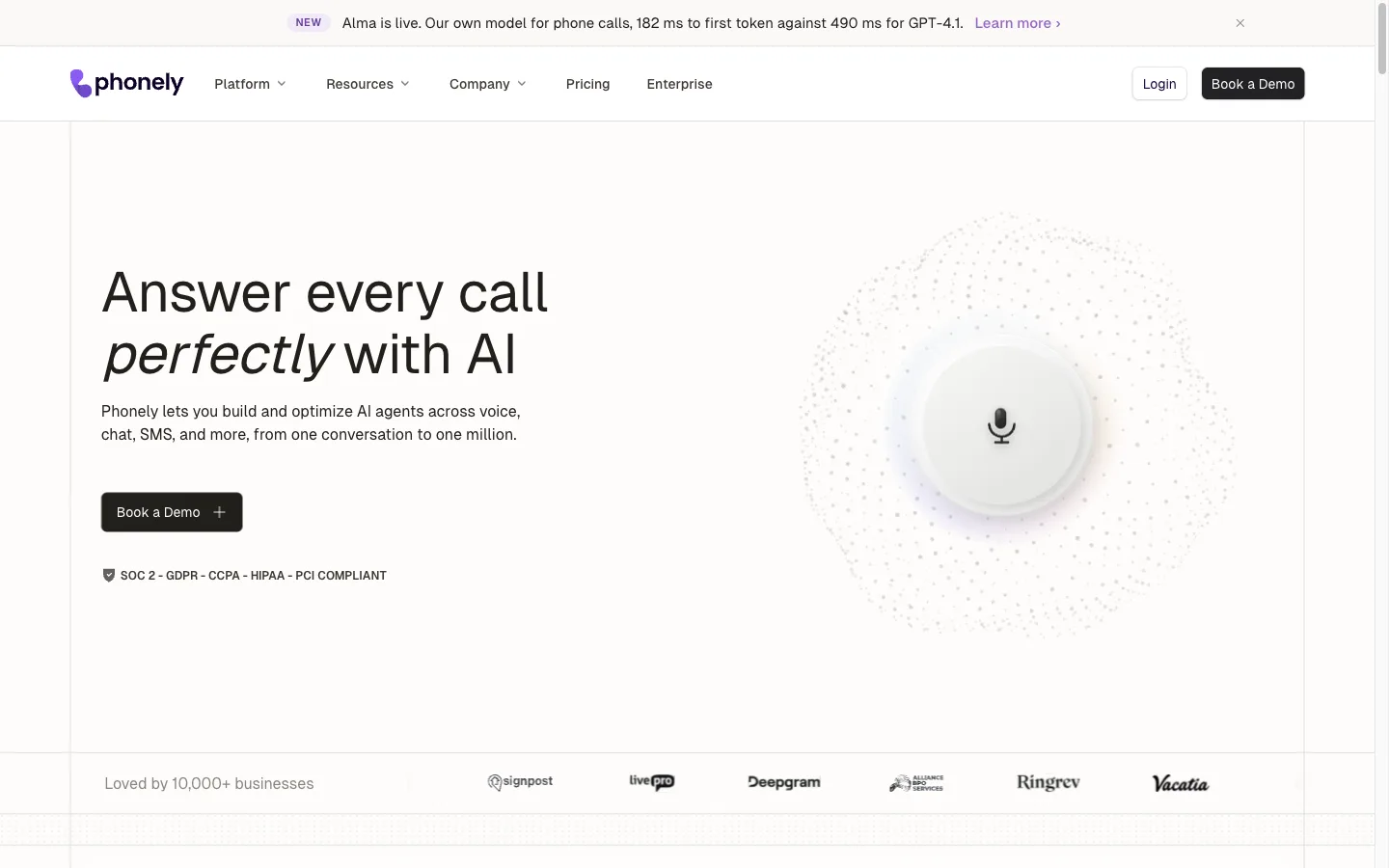
Per-minute AI phone agent with a free plan (100 minutes), unlimited simultaneous calls and 50+ languages; Y Combinator-backed.
Checked October 2, 2026 on phonely.ai. Prices change; confirm before you buy.
Rosie
Best for quick self-serve setup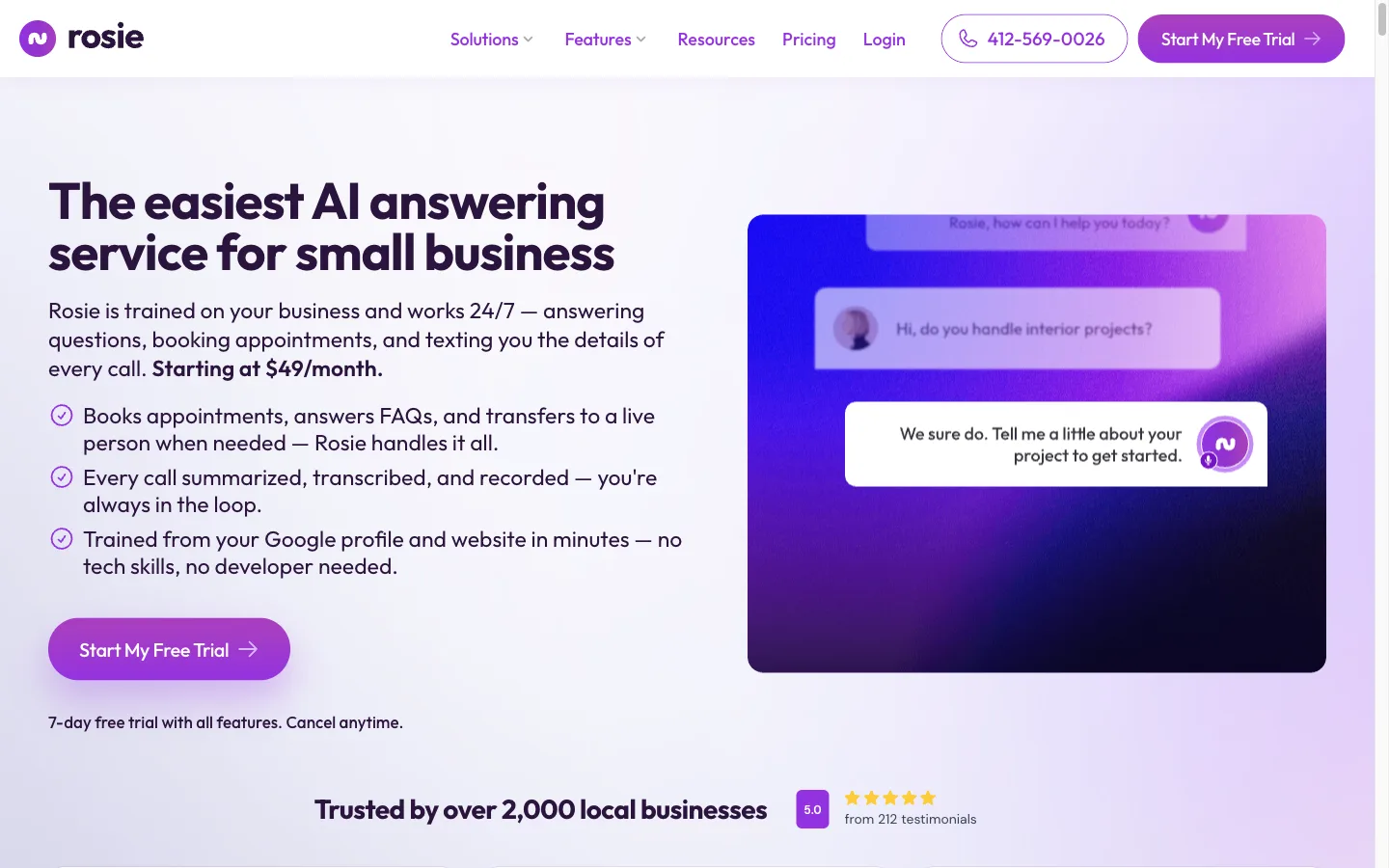
Self-serve AI receptionist trained from your Google Business Profile and website. Live booking and transfers start on the $149 Scale plan.
"Rosie is the best AI answering service I've tried... I called the trial number and was surprised how well it answered queries about my business (Transistor), even questions it wasn't trained on."
Checked October 2, 2026 on heyrosie.com. Prices change; confirm before you buy.
Dialzara
Best for the lowest entry price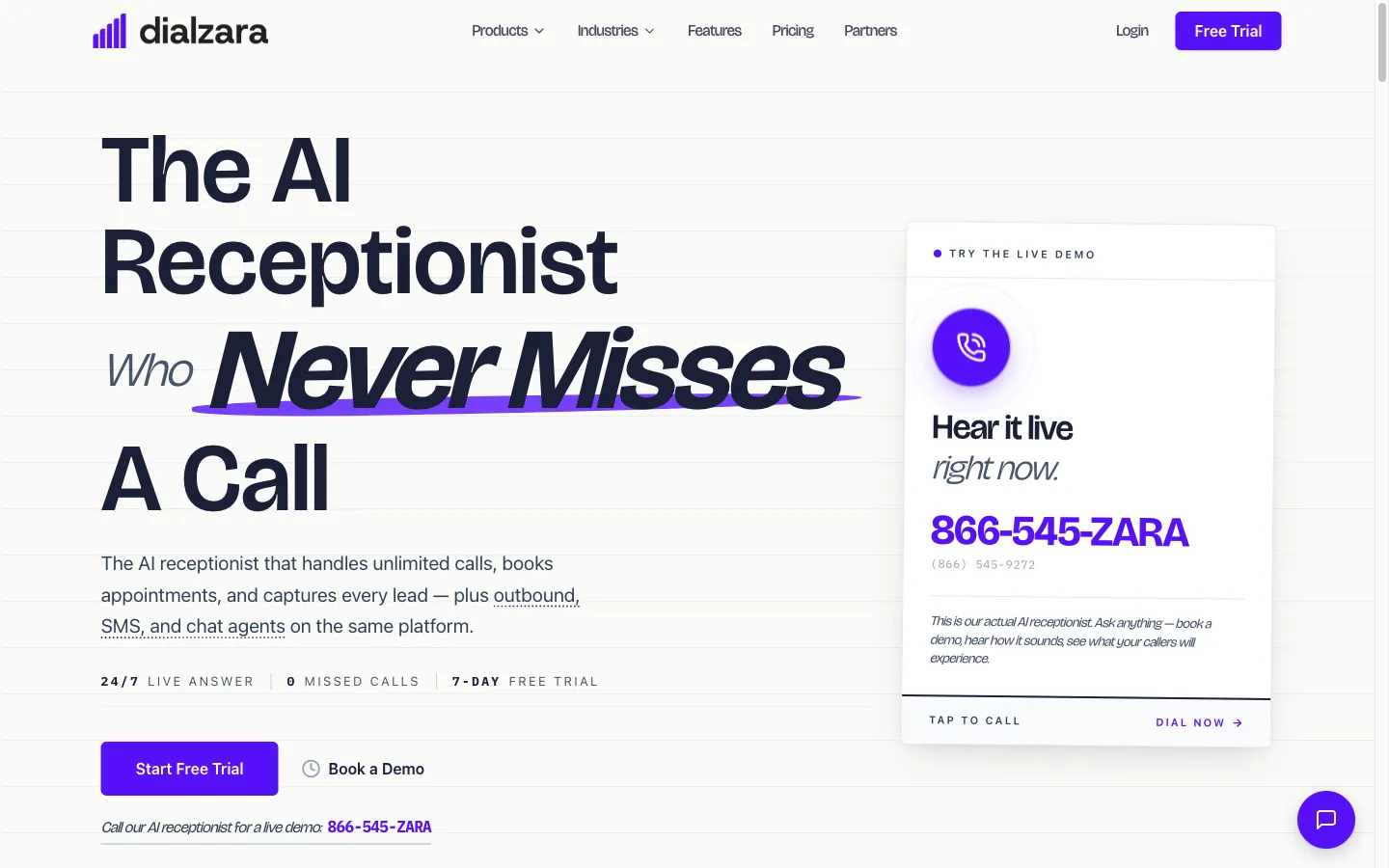
Per-minute AI receptionist from $29/month for 60 minutes; warm transfers, calendar sync and Spanish start on the $99 plan.
"Working with Adam and his AI phone system has honestly been one of the most impressive experiences we've had integrating technology into our real estate business."
"Customer service is terrible. Trying to even get a response is really hard."
Checked October 2, 2026 on dialzara.com. Prices change; confirm before you buy.
Smith.ai AI Receptionist
Best for AI with live human backup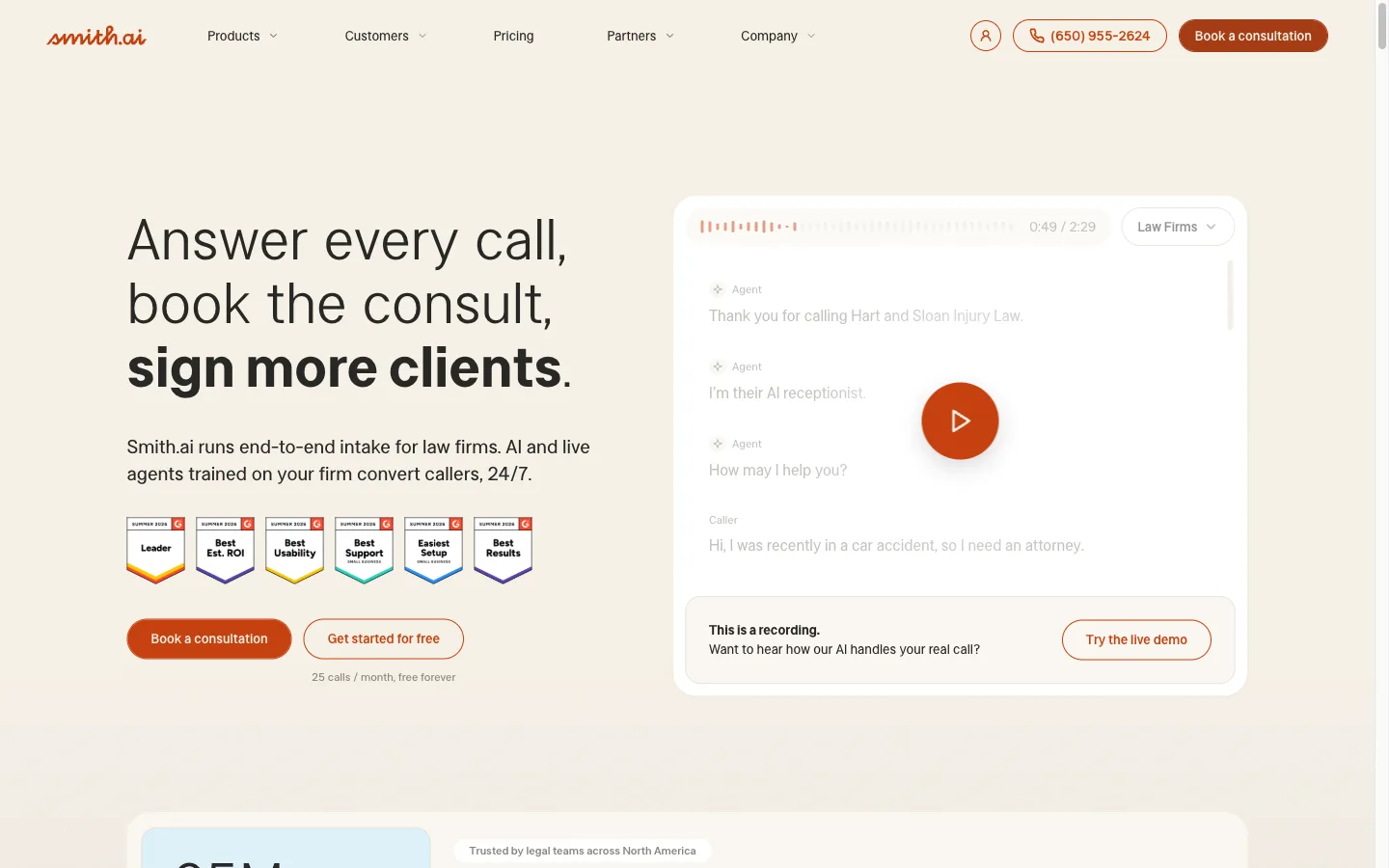
Per-call AI receptionist with a free tier; calls can be escalated to Smith.ai's live agents for $3 extra. Native Clio integration.
"I do appreciate that our calls get answered 24/7. Occasional missed calls generally go to a voicemail."
"They required a upfront payment at $2500 for a six month contract... we requested to cancel our contract... because the account is on a long-term plan, our policy does not allow..."
Checked October 2, 2026 on smith.ai. Prices change; confirm before you buy.
My AI Front Desk (Frontdesk AI)
Best for an all-in-one front office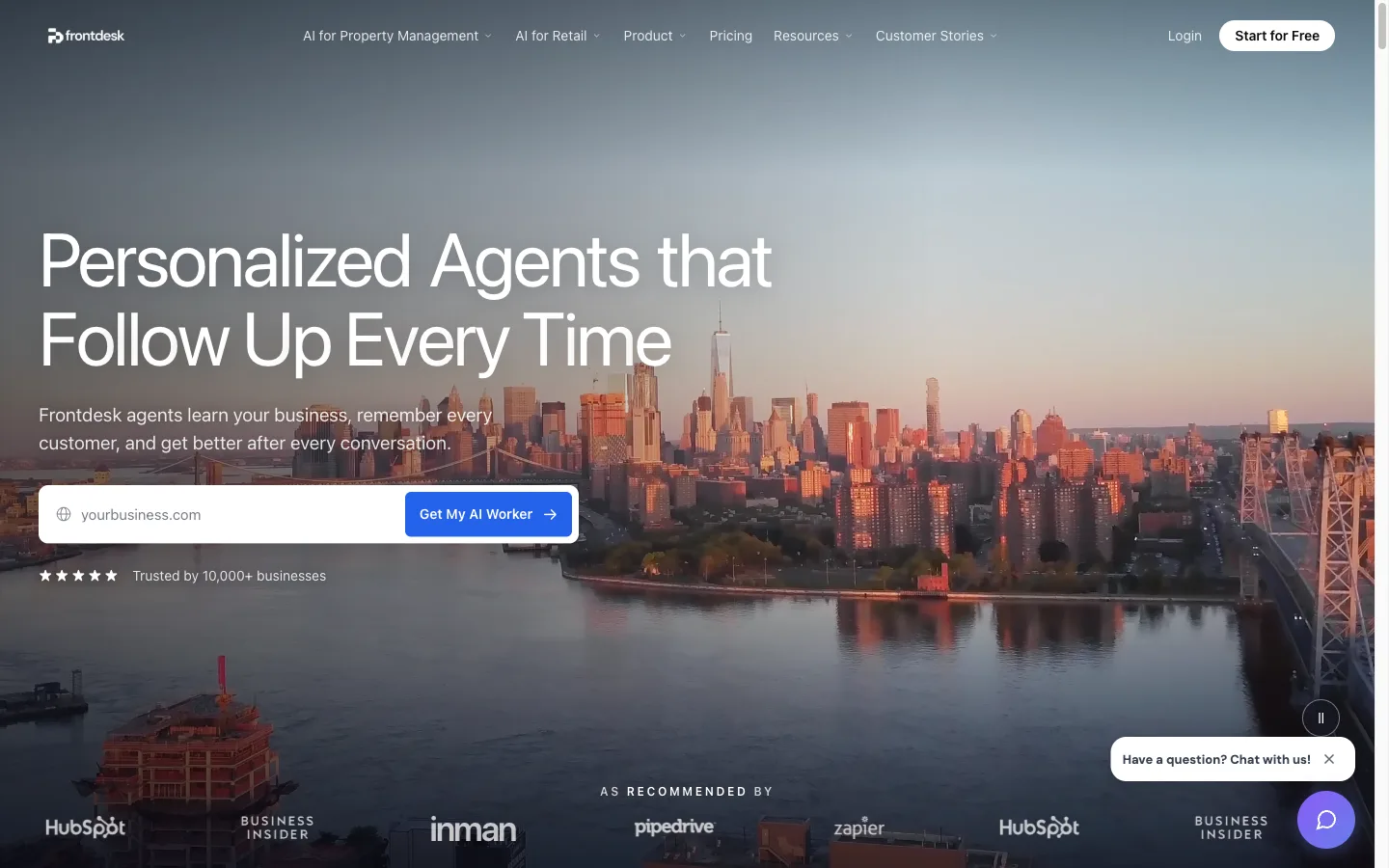
All-in-one AI front office (now branded Frontdesk AI): phone, web chat, two-way texting, email drafts and a built-in CRM on one plan.
"The AI receptionist has been a huge help for managing incoming calls. It answers quickly, handles customer questions, qualifies leads, and can book appointments"
"I signed up for the 7-day trial, which required a credit card. During the trial period I emailed support several times with questions but did not receive a response. On day 8, I was charged $299."
Checked October 2, 2026 on myaifrontdesk.com. Prices change; confirm before you buy.
Comparing more options? Our best AI receptionists roundup covers 36 of them on real prices, and the cheapest answering service comparison prices them at 100 calls a month.
How to use an AI answering app with your cell phone
You don't need a new phone or a new number. Most AI answering apps work through call forwarding: your phone rings as usual, and any call you don't pick up forwards to the AI.
- Sign up and give the AI your business details, like hours, services and prices.
- Turn on "forward when unanswered" on your cell with your carrier's code. Our free call forwarding codes tool lists them, and we have guides for AT&T, Verizon and Spectrum.
- Call your own number from another phone, let it ring, and hear the AI answer.
Want to hear one first? Try a free demo built from your own website; it takes about a minute.
Sources
- iPhone: Apple iPhone User Guide: Route and automatically answer calls.
- Samsung: Samsung support: answering and ending call settings (menu names vary by model and region).
- Pixel: Pixel Phone Help community thread (January 2024).
- Apple Watch: Apple Watch Series 11 technical specifications.
- Android apps: Google Play listings for MotoAnswer, QuickPick and Auto Answer Call: Raise to Ear, checked October 9, 2026.
- AI answering apps: each card shows the date we checked that company's pricing page.
Frequently asked questions
How do I make my iPhone answer calls automatically?
Go to Settings, then Accessibility, Touch, Call Audio Routing, and Auto-Answer Calls. Turn it on and set how many seconds the phone waits before it answers.
Is there an auto-answer setting on Android?
On Samsung Galaxy phones, yes: look under Settings, Accessibility, then Interaction Controls or Call Assistance. Google Pixel phones don't have one, so you need an app like MotoAnswer from Google Play.
Can Apple Watch auto-answer calls?
Yes. Apple lists Auto-Answer Calls as an accessibility feature on Apple Watch, under Settings and then Accessibility on the watch.
Is there a free auto call answering app?
The built-in setting on iPhone, Samsung and Apple Watch is free, and MotoAnswer is free to download on Android with ads. For an app that actually talks to callers, Phonely and Smith.ai's AI Receptionist both have free plans with a small monthly allowance.
What's the difference between auto-answer and an AI answering service?
Auto-answer just connects the call so you can talk hands-free. An AI answering service picks up and holds the conversation for you, takes messages or books appointments, and sends you the details.
Ready to get started?
Set up your AI phone agent in minutes. Try it free for 7 days.
Try Zinng Free for 7 Days
About the Author
Timothy Bramlett
Co-Founder & CEO, Zinng
Timothy Bramlett is an American entrepreneur, software engineer, and product strategist. He is the founder of Zinng, an AI-powered phone agent platform that helps businesses never miss a customer call with intelligent call handling, real-time transcripts, and instant summaries.