You can now get Zinng push notifications on multiple devices at the same time. Your iPhone, your Android, your desktop Chrome, whatever you want. When a new call or message comes in, it'll notify every device that's set up.
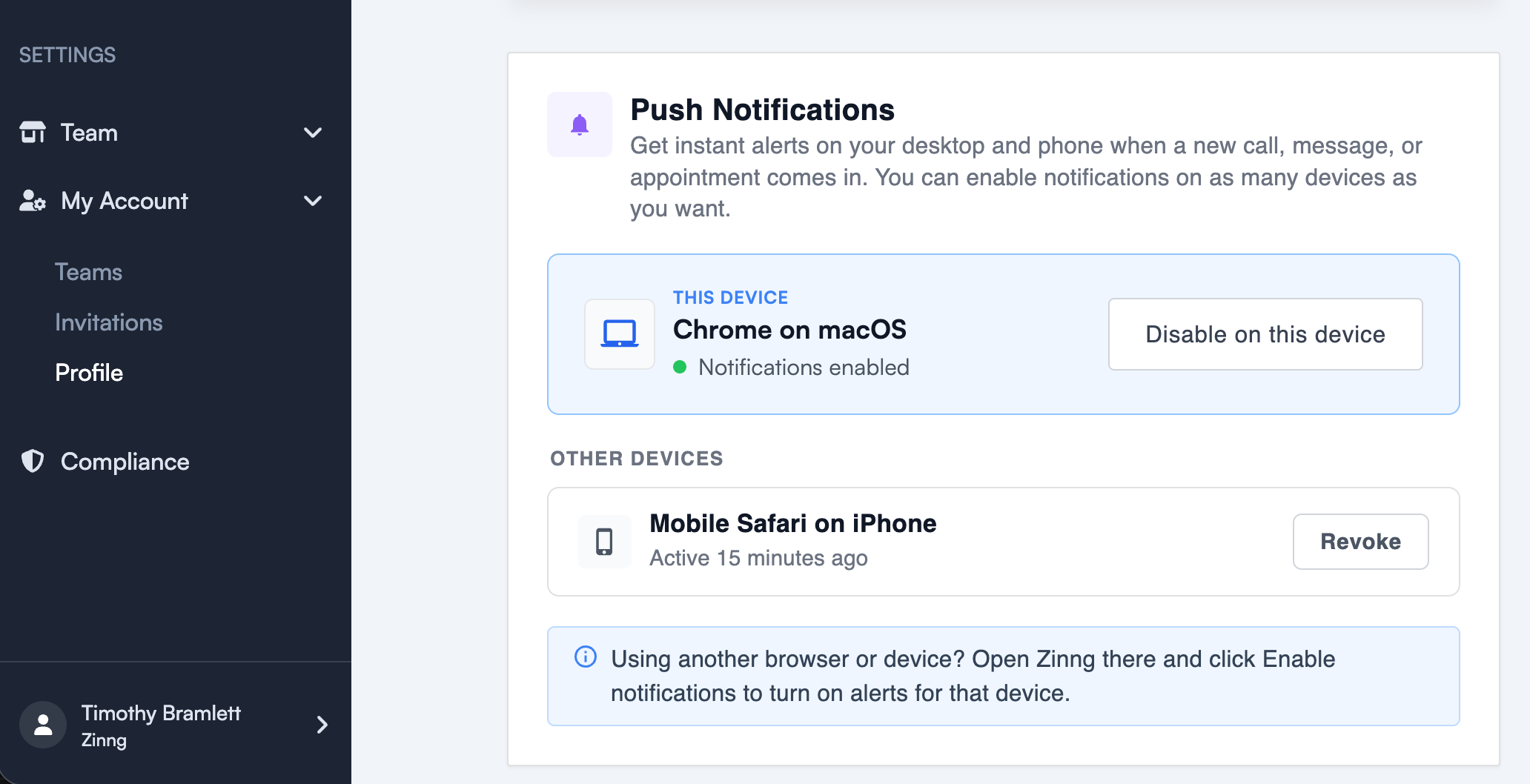
Go to My Account, then Profile to enable notifications on each device. On iPhone, you'll need to add Zinng to your home screen from Safari first (tap Share, then Add to Home Screen).
If you run into trouble, just use the chat widget in the bottom right corner of any page and we'll get you sorted.