💬 AI in the chat widget keeps moving
- Work is continuing and it is going well. Today we added notifications for the person chatting with you: if they wander off to another tab mid-conversation, they hear a sound and the tab title changes to show a new message is waiting, so they come back and finish the conversation.

- We expect to put this in front of beta testers tomorrow. We need your feedback to decide what to build next, so tell us if you want access.
- We are adding features quickly, and a lot of back end work went in this week to support what is coming after this.
📞 Stuck on call forwarding? Let AI walk you through it
- In the flow where you connect your existing number and get your agent taking calls, there is now a short video walkthrough plus a prompt you can copy straight into ChatGPT, Claude, Gemini, or whichever assistant you use. It will talk you through your exact phone and carrier, whether you are setting up forwarding or looking at porting your number over to us.
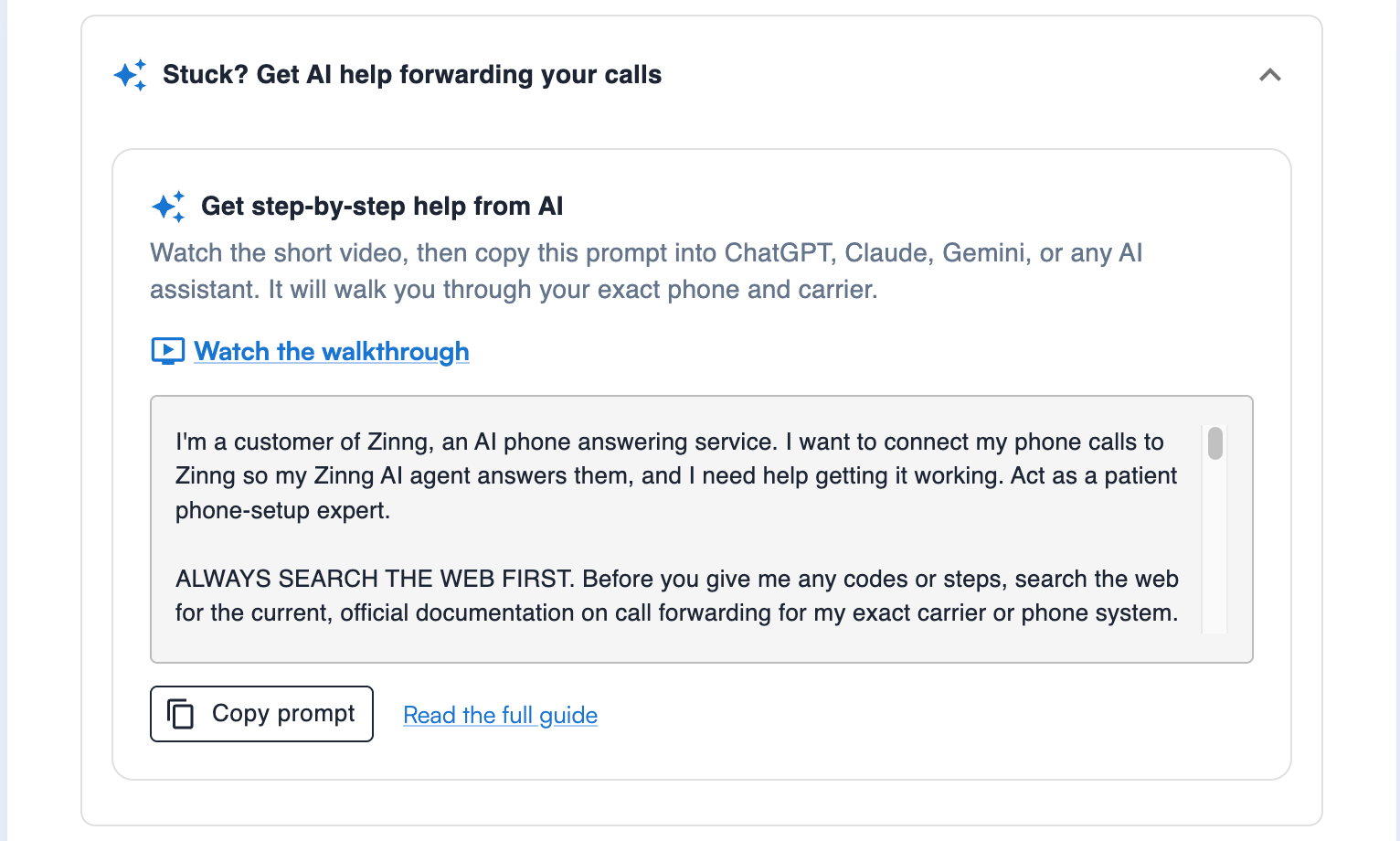
- This is the step that trips up more people than any other. Every major carrier supports forwarding calls you do not answer, so it is always doable. If you are having trouble, let us know and we will get it working with you.
📱 Keypad presses on mobile outbound calls
- The web app got this yesterday and the mobile apps have it now. While you are on an outbound call, you can press number keys, so "press 1 for billing" menus work the way they should.
As always, keep the feature requests coming. Everything we can build, we will build.