
Agent call settings
Control how long your AI phone agent waits before answering, when it ends silent calls, and the longest a call can run, from agent settings.
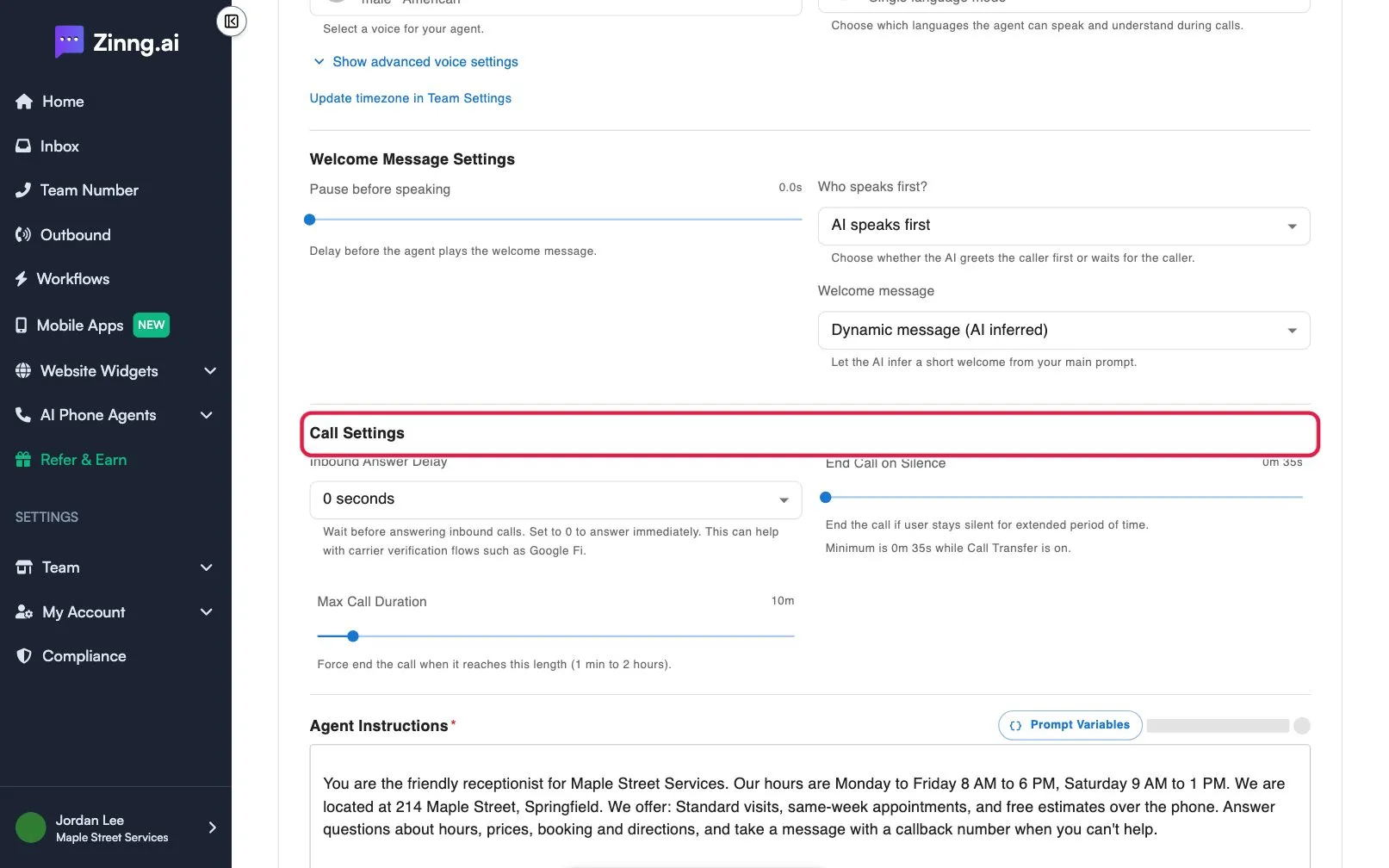
Call settings set the timing of each call: how long your agent waits before answering, when it hangs up on a silent caller, and the longest a single call can last. They keep calls from running on and help with carrier checks.
How to open call settings
Section titled “How to open call settings”- Open AI Phone Agents and select your agent.
- Scroll to Agent Settings and stay on the Instructions tab.
- Find Call Settings, below Welcome Message Settings.
Call settings reference
Section titled “Call settings reference”| Setting | What it does | Plan if limited |
|---|---|---|
| Inbound Answer Delay | How long the agent waits before answering an inbound call, from 0 to 8 seconds. At 0 seconds it answers immediately. A delay can help with carrier verification flows such as Google Fi. | |
| End Call on Silence | Ends the call if the caller stays silent this long. From 10 seconds to 30 minutes. New agents start at 35 seconds. | |
| Max Call Duration | Ends the call when it reaches this length, from 1 minute to 2 hours. New agents start at 10 minutes. |
Common tasks
Section titled “Common tasks”Answer calls immediately
Section titled “Answer calls immediately”Set Inbound Answer Delay to 0 seconds, then select Save.
Wait a moment before answering
Section titled “Wait a moment before answering”Pick a number of seconds in Inbound Answer Delay, then select Save.
Hang up sooner on silent calls
Section titled “Hang up sooner on silent calls”Move End Call on Silence to a shorter time, then select Save.
Allow longer conversations
Section titled “Allow longer conversations”Move Max Call Duration up, then select Save. Calls that reach the limit end automatically, so pick a time longer than your usual call.