
What happens when you run out of minutes
When your voice minutes run out your agents pause and callers hear an unavailable message. See the warnings you get and how to fix it fast.
When both your monthly and additional minutes reach zero, your AI phone agents pause and stop answering calls. Callers hear that the line is unavailable until you add minutes or upgrade.
What your callers hear
Section titled “What your callers hear”The phone line tells the caller that you cannot take the call right now and to try again later, then ends the call. Your agent does not answer any questions.
What we send you
Section titled “What we send you”- An email when you have used 75% of your monthly minutes, and another at 90%.
- An email when your monthly minutes are all used. Your agents keep answering while additional minutes remain.
- An email and a message in your inbox when every minute is gone: “Your AI phone agents are paused because you’re out of voice minutes, so calls aren’t being answered.”
- Daily reminder emails for up to 7 days while your agents stay paused.
Fix it
Section titled “Fix it”-
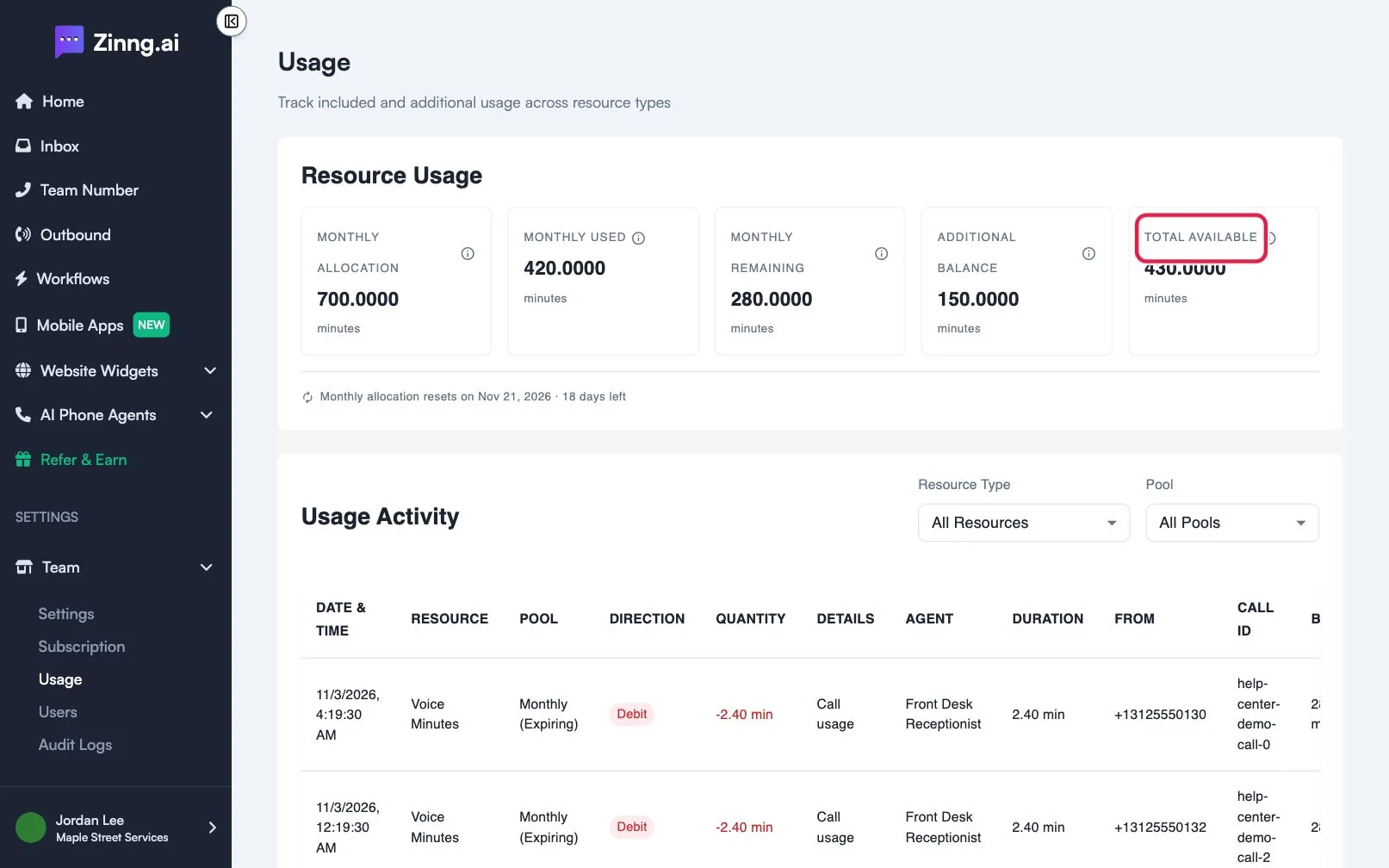
Check your balance.
Open Team, then Usage, and read Total Available.
-
Add minutes or upgrade.
Open Team, then Subscription. On the Add Minutes card, pick a tier and buy it. Or select Upgrade on a larger plan. See upgrade, downgrade or add agents.
-
Or wait for the reset.
Your monthly allocation resets at the start of the next billing cycle. The Usage page shows the date.
How do I avoid running out?
Section titled “How do I avoid running out?”Check Monthly Remaining on the Usage page now and then, and buy extra minutes before the 90% email arrives. Minutes you buy never expire. See how minutes work.