
Share a conversation link
Create a read-only link to a web chat conversation so someone can read it and play recordings, and turn the link off when you are done.
A share link lets someone outside your team read a conversation without logging in. They can read it and listen to recordings. They cannot reply, call or change anything.
How do I create a share link?
Section titled “How do I create a share link?”- Open the conversation in your inbox.
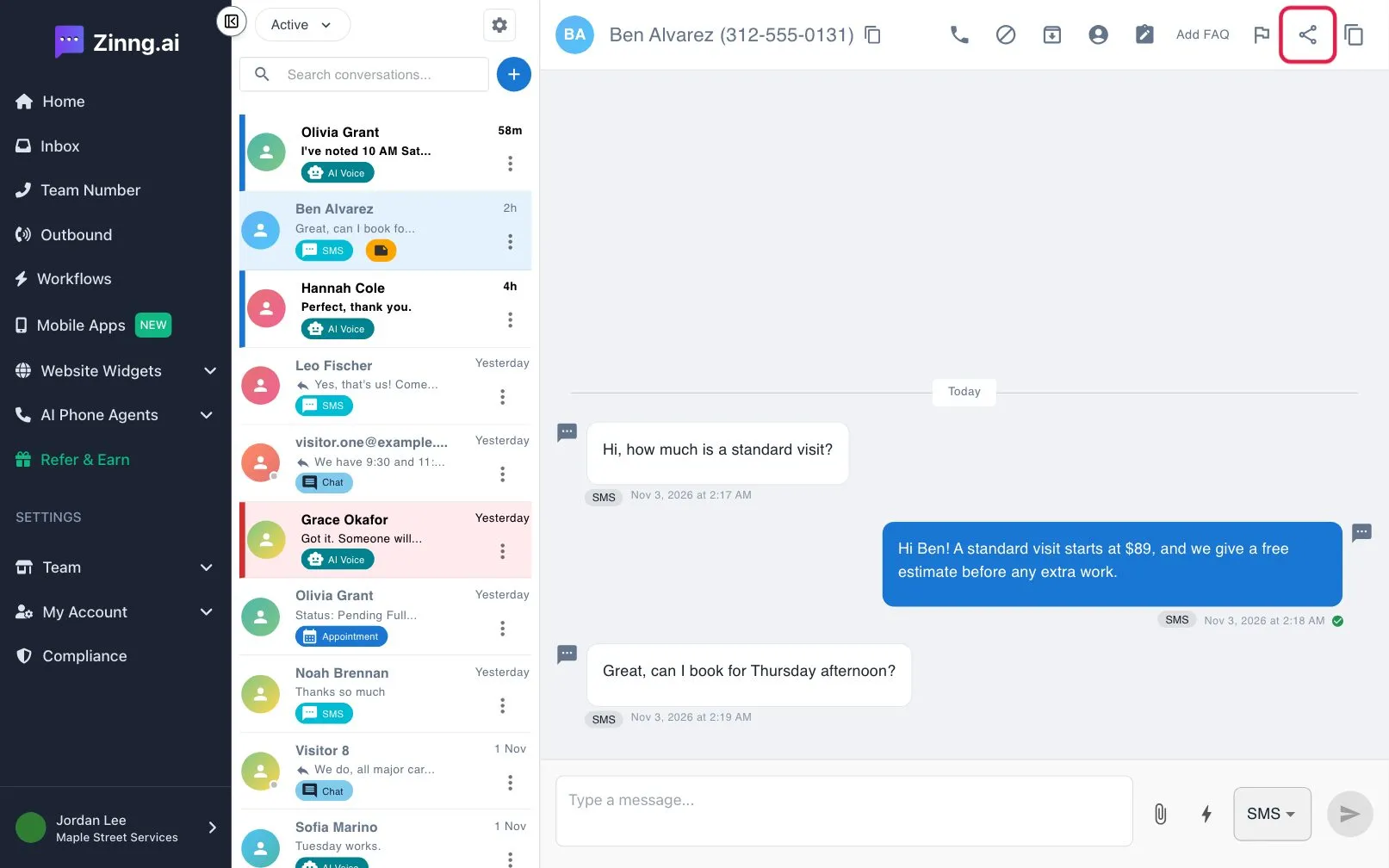
- Select the share icon at the top (Share conversation).
- In Share this conversation, copy the link under PUBLIC LINK - READ ONLY with the copy button.
- Select Done.
How do I turn a share link off?
Section titled “How do I turn a share link off?”Open Share this conversation again and select Disable link. The link stops working at once.
If sharing is unavailable
Section titled “If sharing is unavailable”The share button is greyed out on medical or HIPAA accounts. Contact support if you have a use case for it. Links are made for conversations that started in your website chat widget; other conversations may show a link that does not open.