
Fix an AI phone agent that isn't answering calls
Find out why your AI phone agent isn't answering calls: out of minutes, no phone number, a disabled agent or call forwarding that isn't set up.
If your agent is not picking up, one of four things is usually wrong: you are out of voice minutes, the agent has no phone number, the agent is not enabled, or calls are not reaching the number yet. Work through the checks below in order.
Check your agent’s status
Section titled “Check your agent’s status”- In the left menu, open AI Phone Agents, then Agents (open your Agents page). The Agents page lists every agent.
- Find your agent. Look at Enabled (a green tick means on, a red cross means off) and at the phone number line.
- If you see a No phone number chip, the agent cannot receive calls. Select it to attach a number.
Are you out of voice minutes?
Section titled “Are you out of voice minutes?”When a team uses all of its monthly voice minutes and any extra minutes, your AI phone agents are disabled and stop answering calls. You are told in three places:
- An alert in your inbox that says your agents are paused because you are out of voice minutes.
- An urgent email to your team’s notification addresses.
- The Usage page under Team, which shows your minutes used.
To fix it, open Team, then Subscription (see the Subscription page), and buy additional minutes or upgrade your plan. Your minutes also reset at the start of your next billing cycle; the email shows that date.
Do you have a plan and a phone number?
Section titled “Do you have a plan and a phone number?”A new agent cannot take real calls until you start a plan and give it a phone number. Follow go live with a plan and a phone number.
Are calls reaching your agent?
Section titled “Are calls reaching your agent?”Call your agent’s own number from another phone. If the agent answers, the agent is fine and the problem is forwarding from your existing number. Open AI Phone Agents, then Connect Number, and check how your number is connected.
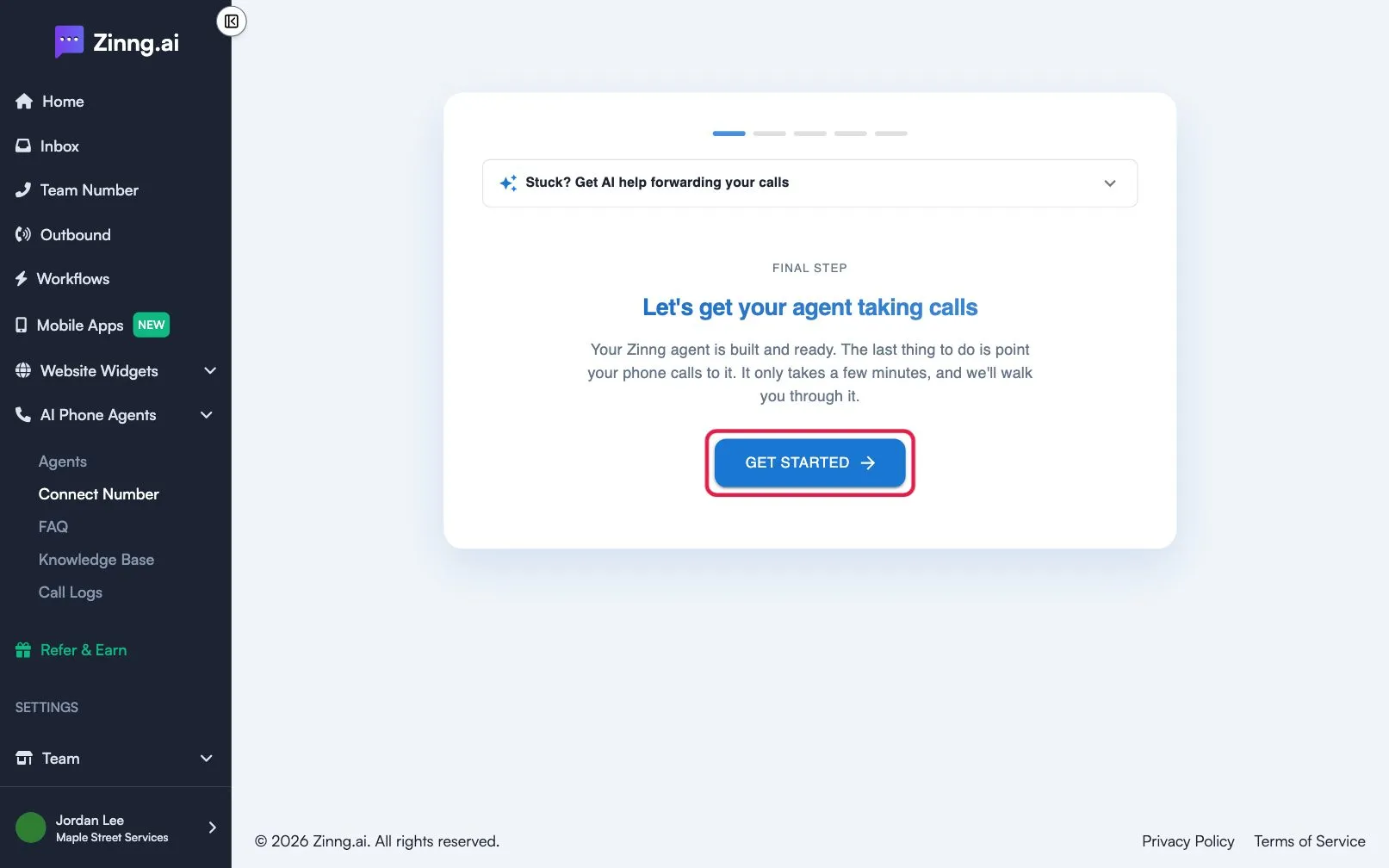
If your calls are forwarded, see call forwarding not working. If you use an iPhone, also turn off Live Voicemail in your iOS settings, or forwarded calls may not reach your agent.
Still not answering?
Section titled “Still not answering?”Test the agent with a free web call from its edit page, as described in test your AI phone agent. If the web call works but real calls do not, the cause is the phone number or forwarding. If you are still stuck, email [email protected] or use the chat widget in the app.