
Delete your account
Permanently delete your Zinng account, AI agent, phone number and call history from Profile Settings. Cancel any subscription first.
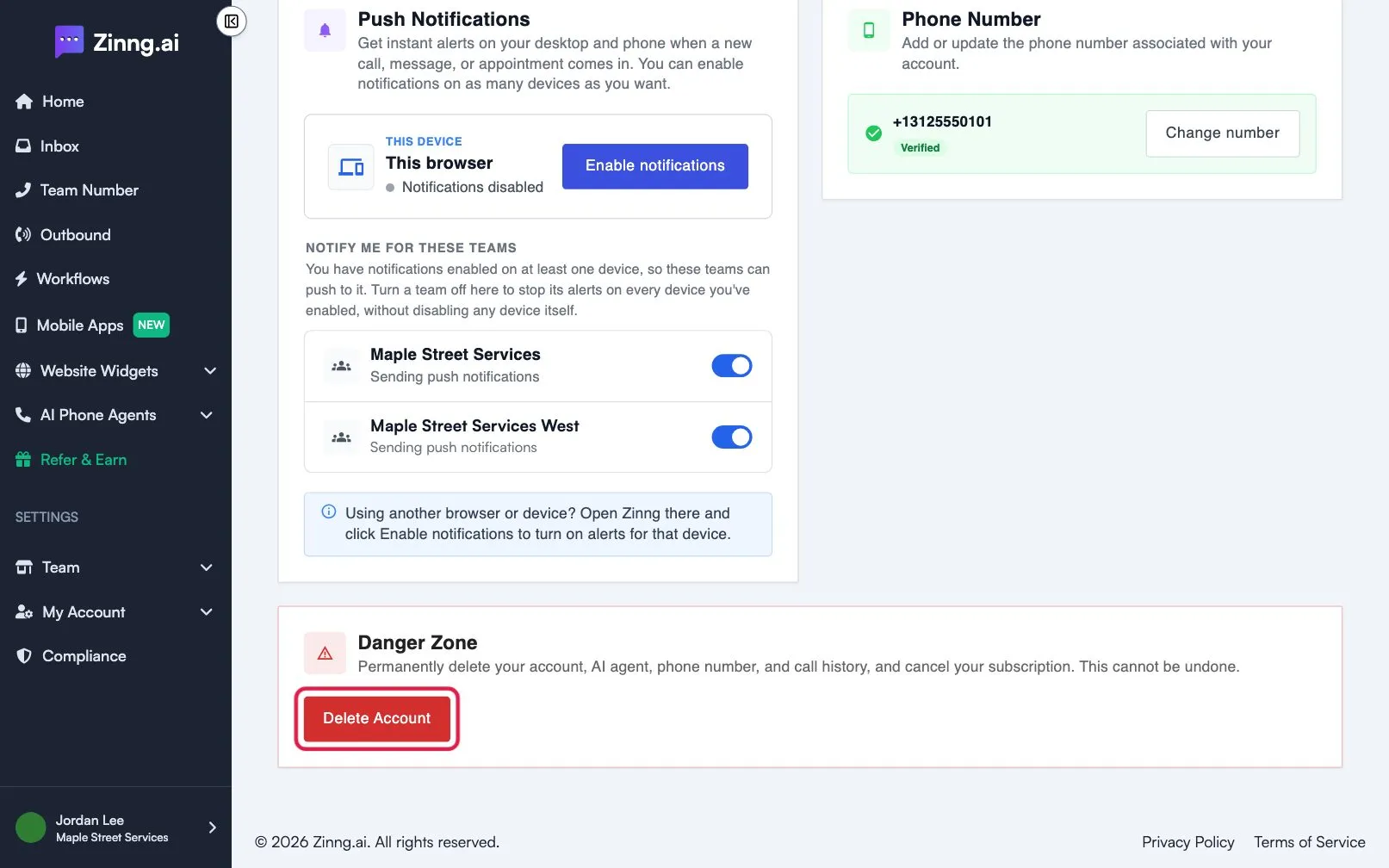
You delete your account from Danger Zone at the bottom of Profile settings. It permanently removes your account, AI agent, phone number and call history, and cancels your subscription. This cannot be undone.
Before you start
Section titled “Before you start”- If you have an active subscription, cancel it first. If you select Delete Account without doing so, a Cancel Your Subscription First window opens with a Go to Subscription button.
- Keep a copy of anything you need, such as call history. It is deleted with the account.
- We keep only the billing records required by law.
Delete your account
Section titled “Delete your account”- Open Profile Settings and scroll to Danger Zone.
- Select Delete Account.
- If your account has a password, enter it under Enter your password to confirm:.
- Type
Deleteunder Type ‘Delete’ to confirm:. - Select Yes, Delete My Account.
The button stays disabled until the confirmation is filled in. When it finishes, you are taken to the login page. To use Zinng again, create your account from scratch.